10
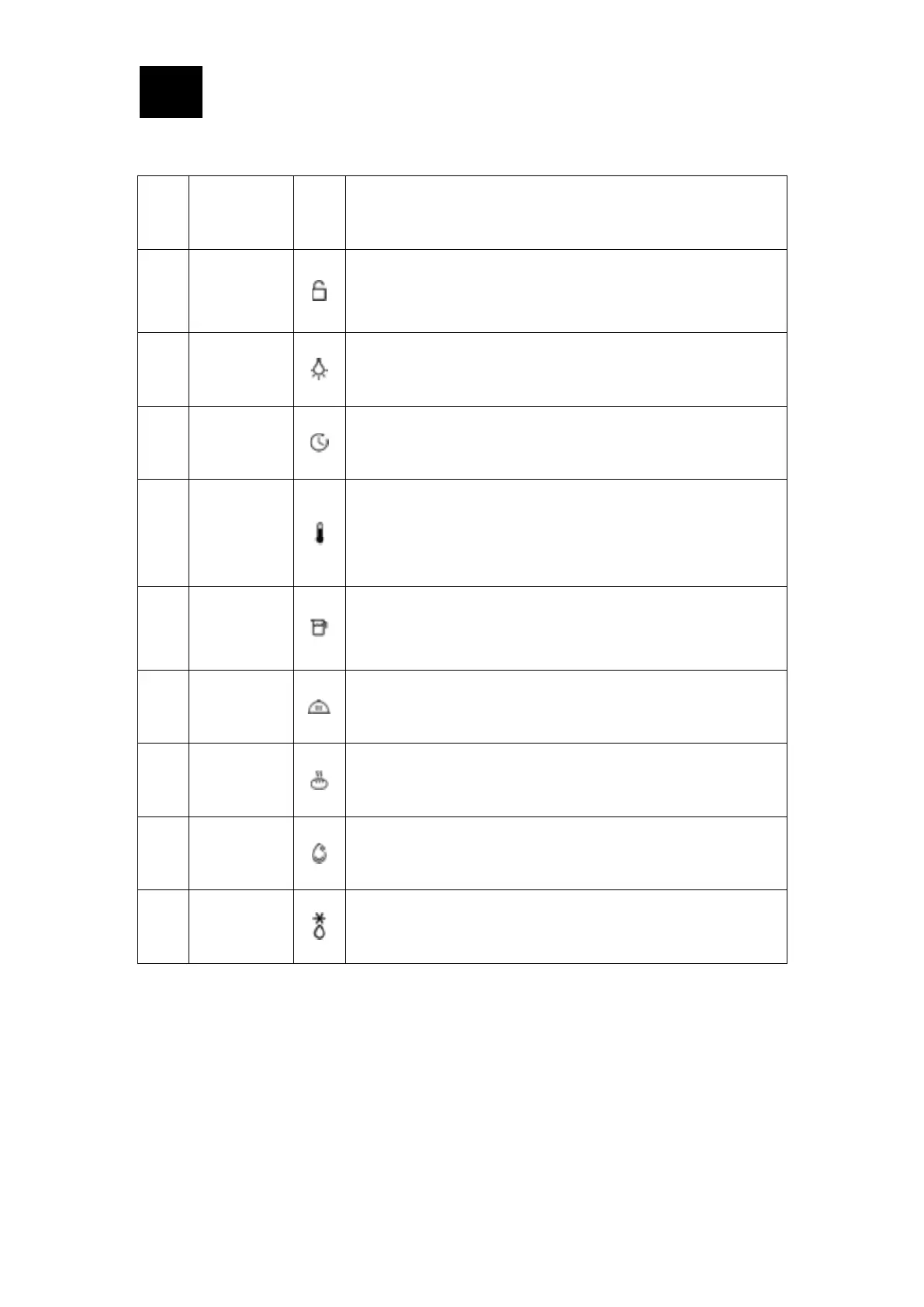
• The function description of icons is displayed on the screen
Childrenproof
lock indicator
icon
Activating the lock, the icon is always on. In such case, no
setting can be made (except for the lighting key, tank key and
power key)
Activating the lighting, the icon is always on when the lighting
is in working state; Deactivating the lighting the icon is off.
Activating the timer, and set the timer duration, the icon is
always on
Setting the type of heating and temperature, the icon will
always be on when any cooking compartment is working; when
there is no cooking compartment, the heating icon always goes
out.
Refilling the
water tank
icon
Water shortage status indicator icon: if the tank is empty, the
water shortage icon flashes
Insulation status display: after starting the insulation function,
the insulation icon is always on
Activating dough proving function, the icon is always on
Activating the steam clean function, the icon is always on
Activating defrost function, the icon is always on




 To Next Page