11
• QuickStart
1. Start the operating modes
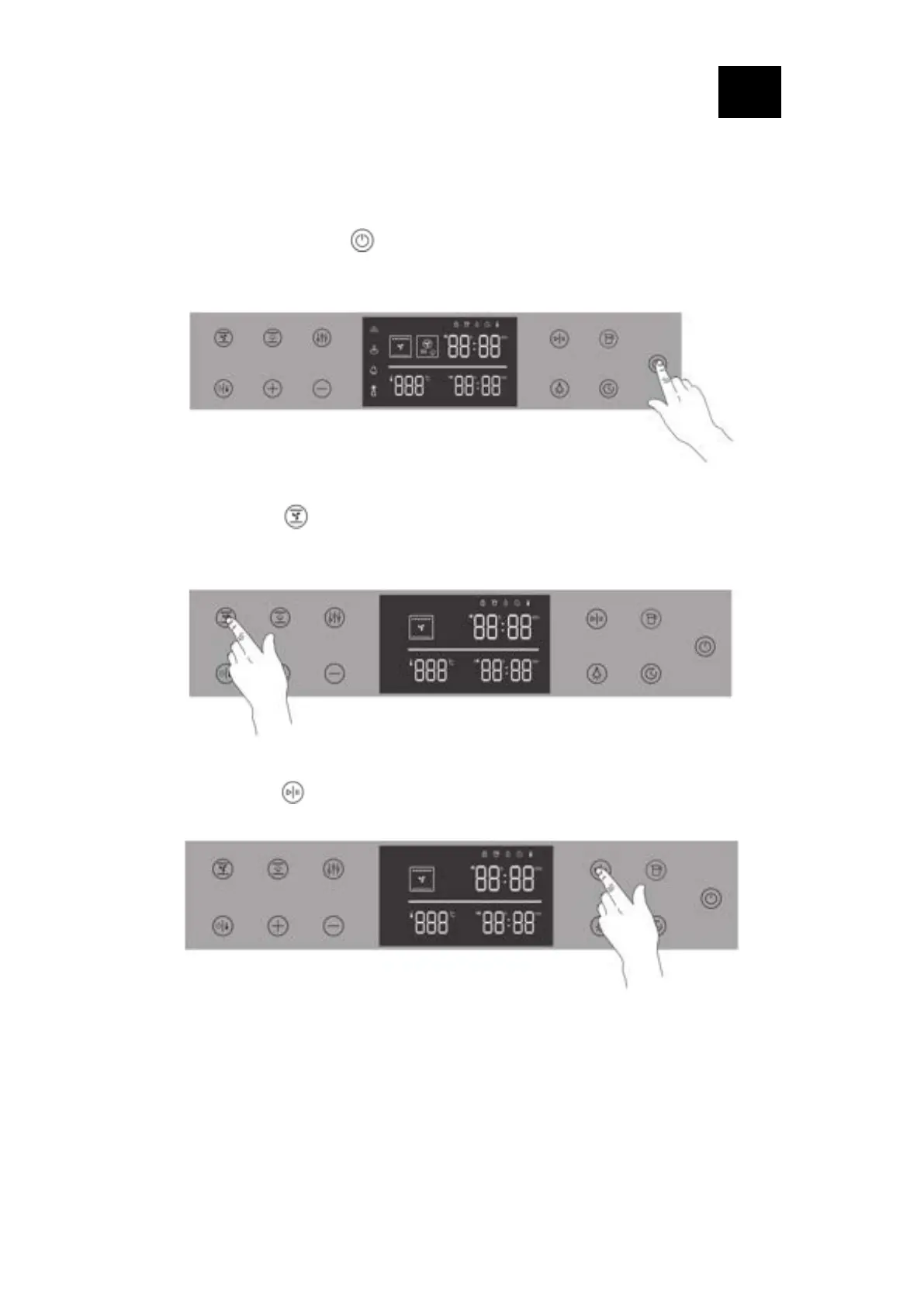
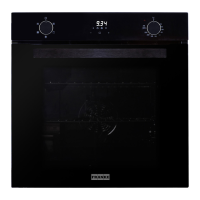
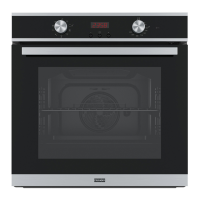
Step 1: Press and hold the “ ” power button for 1.5s, the display is on, and the oven
enters the standby state.
Step 2: Press the “ ” key once to select the function, the display shows as follows,
and the time value flashes at 20min
Step 3: Press the “ ” key, the oven immediately starts the baking function




 To Next Page