Configuration of the Freecom Network Drive
3.4 IP Config
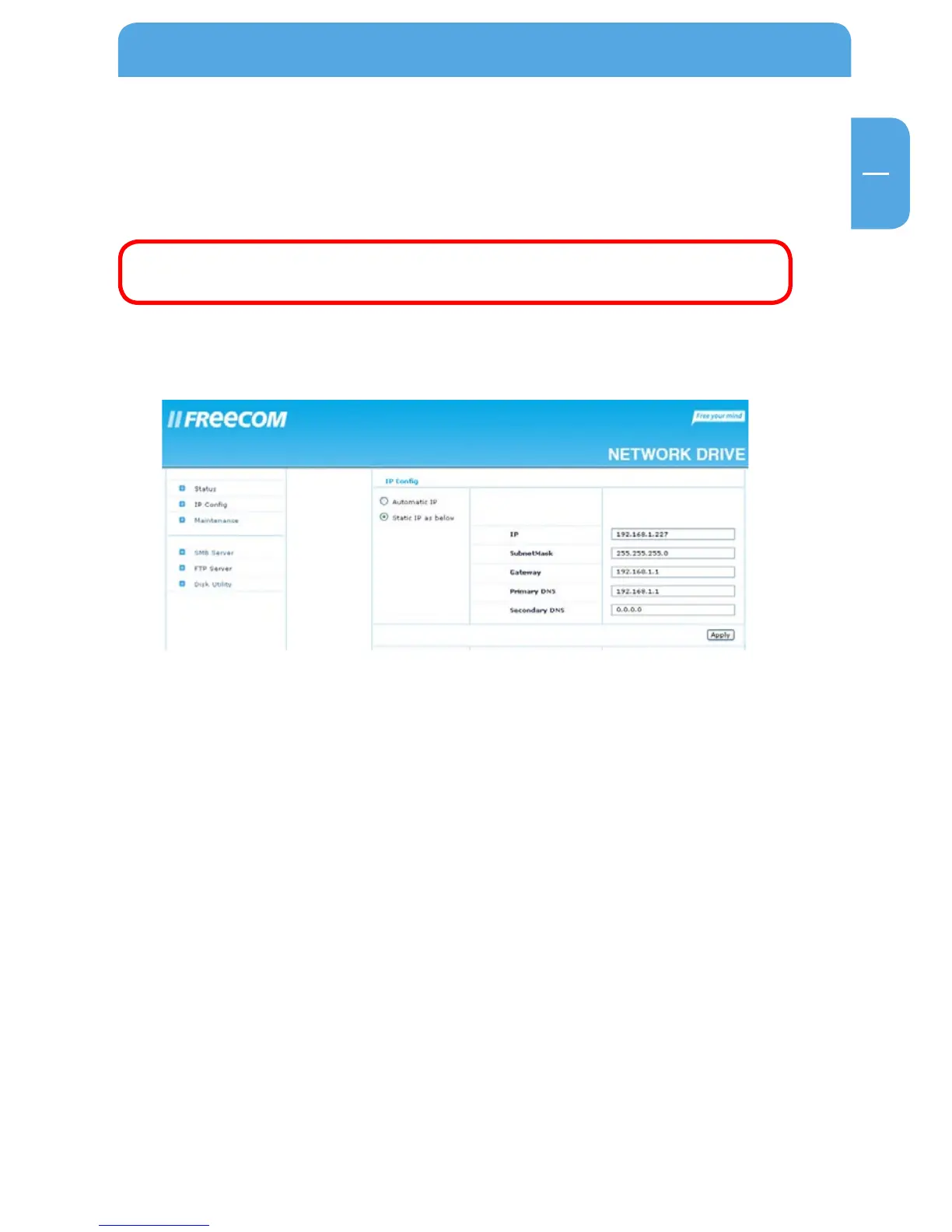
In the “IP Config” section of the web interface it can be configured whether the Freecom
Network Drive has a static IP address or gets an automatic IP address assigned by another
DHCP Server in the network.
ATTENTION: Do not use “Automatic IP” if the DHCP Server is already
switched on on the “Status” page!
“Automatic IP” is not available when the DHCP Server of the Freecom Network Drive is
already running.
3.5 Maintenance
In this section you can
- update the firmware of your Freecom Network Drive. New firmware usually fixes
bugs or adds new features to your Freecom Network Drive.
- make a system reboot or
- reset the Freecom Network Drive settings to factory default.



 To Next Page