3.6.2 Sharing folders
Adding a shared folder
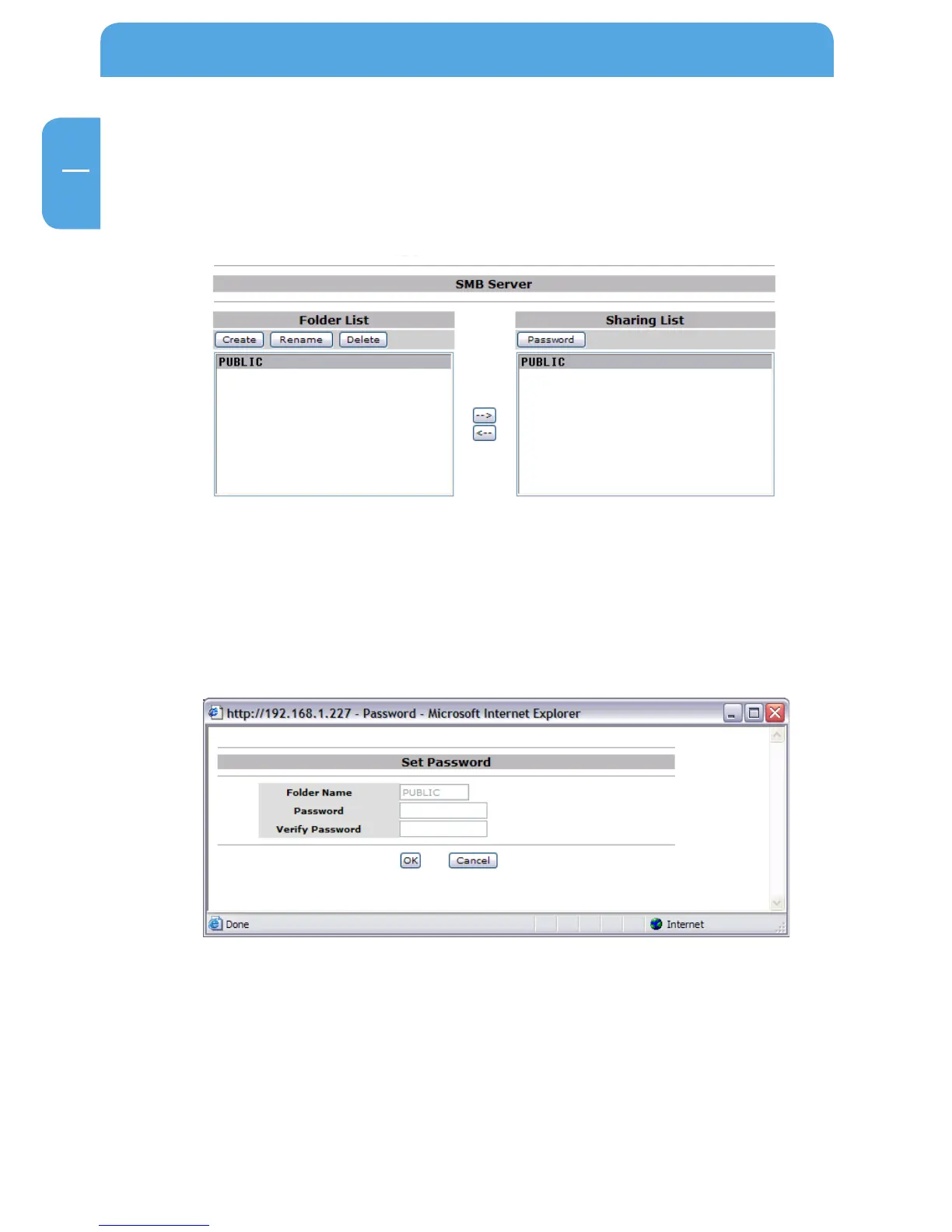
To add a folder to the Sharing List, select a folder in the “Folder List” and click on the “->”
button. The folder will now appear in the “Sharing List”.
Password protection
To protect a shared folder with a password, select the folder in the “Sharing List” and
click on the “Password” button.
Enter a new password and repeat entry in the second filed for verification. Click on “OK”
to apply your new password.



 To Next Page