Freecom Network Drive Setup Overview
Software Installation (LAN)
1. Insert the Freecom Network Drive Software & Manual CD into your CD drive. The
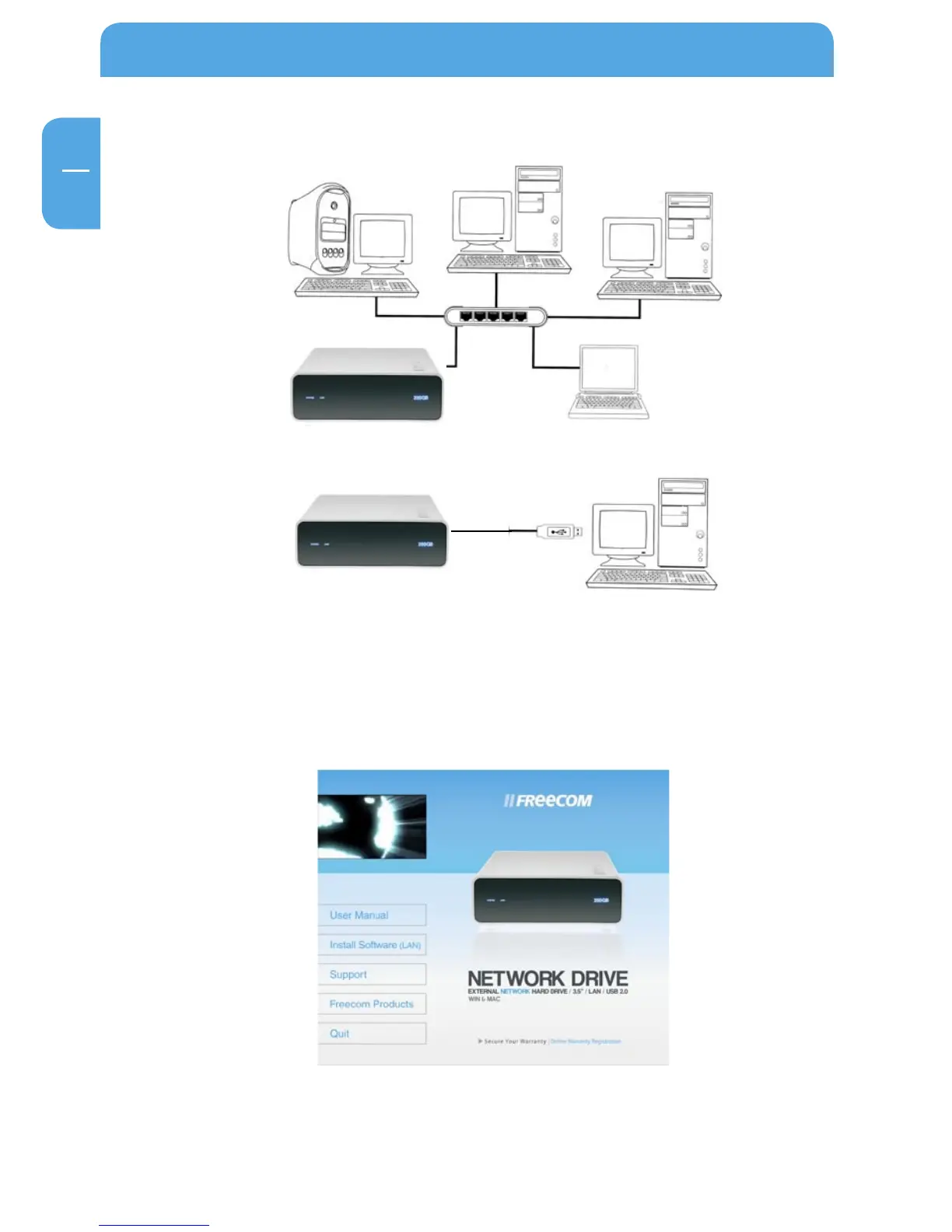
Freecom start menu opens:
In case the software does not open automatically, please double click "Start.exe" in
the root directory of the CD.
2. Now click "Install software (LAN)". The installation of the software now begins.
LAN (Ethernet) mode
USB-mode



 To Next Page