3.6 Windows File Sharing Configuration (SMB Server)
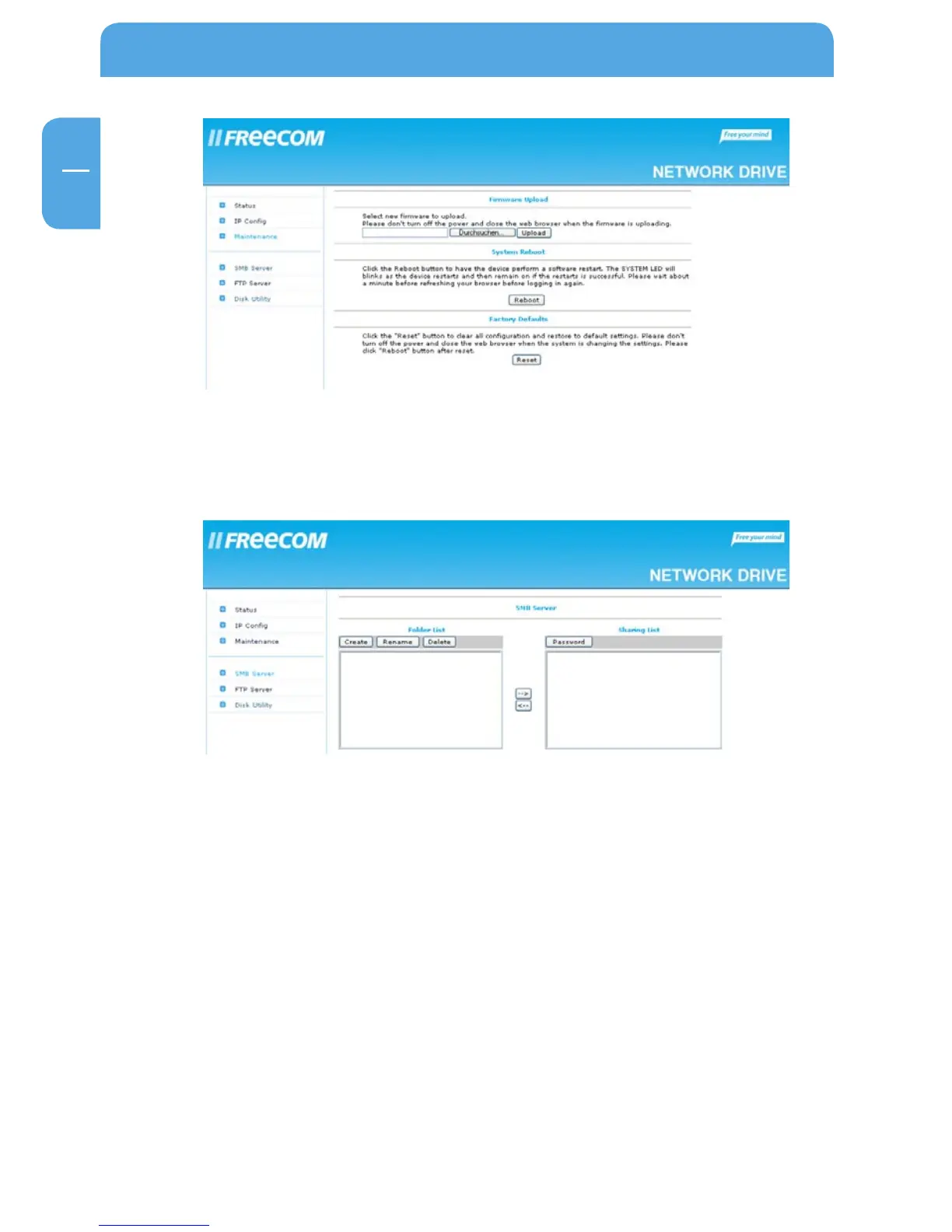
Click on “SMB Server” in the web interface to open the SMB server configuration:
3.6.1 Administration of shared folders
In the left section (“Folder List”), shared folders can be administrated. In this list, all avail-
able folders on the Freecom Network Drive will be listed:
Create
Opens the menu to create a new shared folder



 To Next Page