Configuration of the Freecom Network Drive
3.6.3 Mounting shared folders
Windows users can use the Freecom Network Storage Assistant to map shared folders
with a drive letter.
- Start the Freecom Network Storage Assistant
- Click on “Add&Remove mapped shares”
- Select a shared folder and map it to a drive letter.
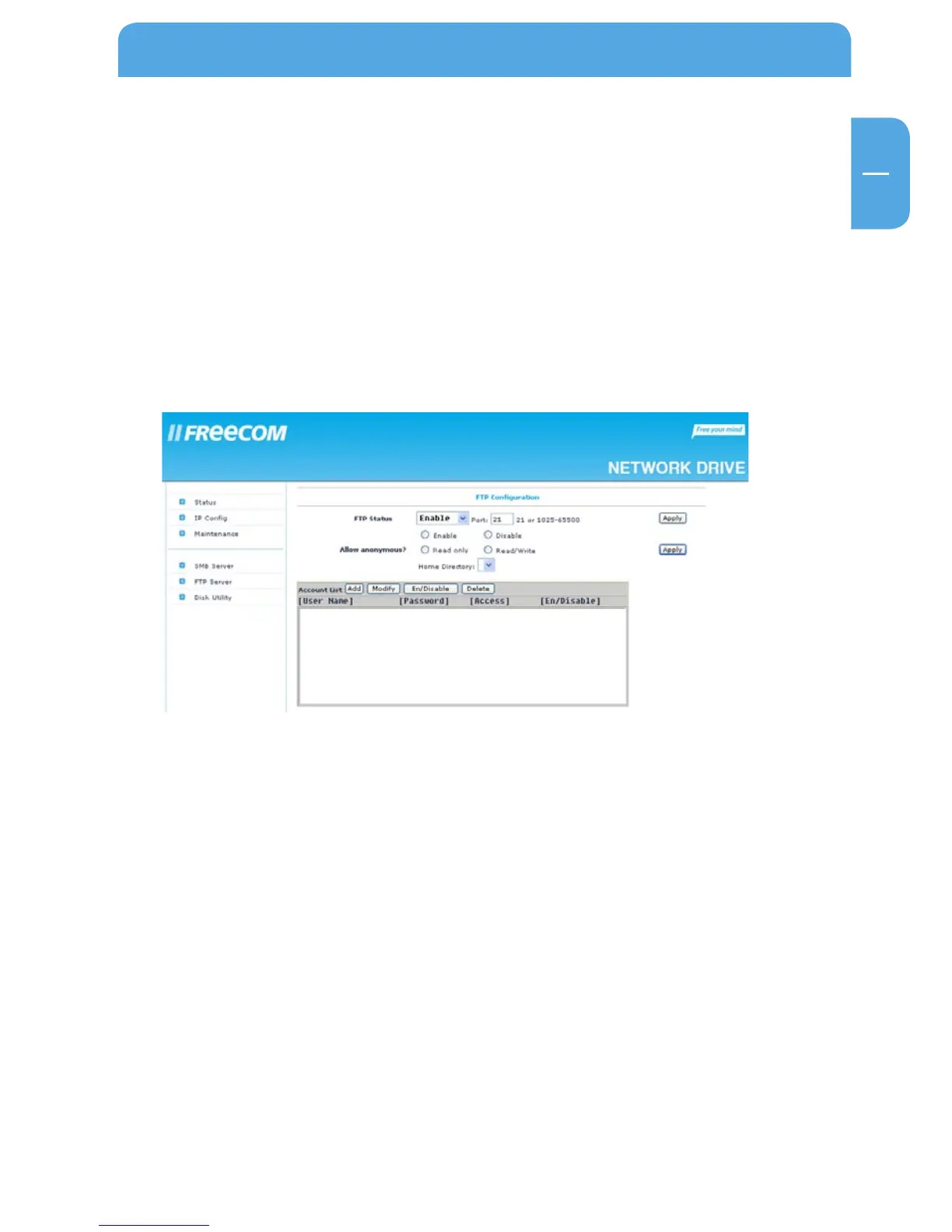
3.7 FTP Server Configuration
In this section you can set FTP functions, status and FTP user administration:



 To Next Page