Chapter 3 Installation
3.1 Installation Steps
3.1.1 Step 1. Install BMC228A Control Card
(1) Power off the host.
(2) Open the host case, select a free PCIE slot, and use a screwdriver to remove its slat.
(3) Insert BMC228A into the slot. The installation is shown in 2.1.2.
(4) Tighten the screws of the BMC228A block with a screwdriver.
(5) Cover the case, turn on the power of the host PC, and start the host.
3.1.2 Step 2. Install BMC228A Driver
2 ways to install BMC228A driver.
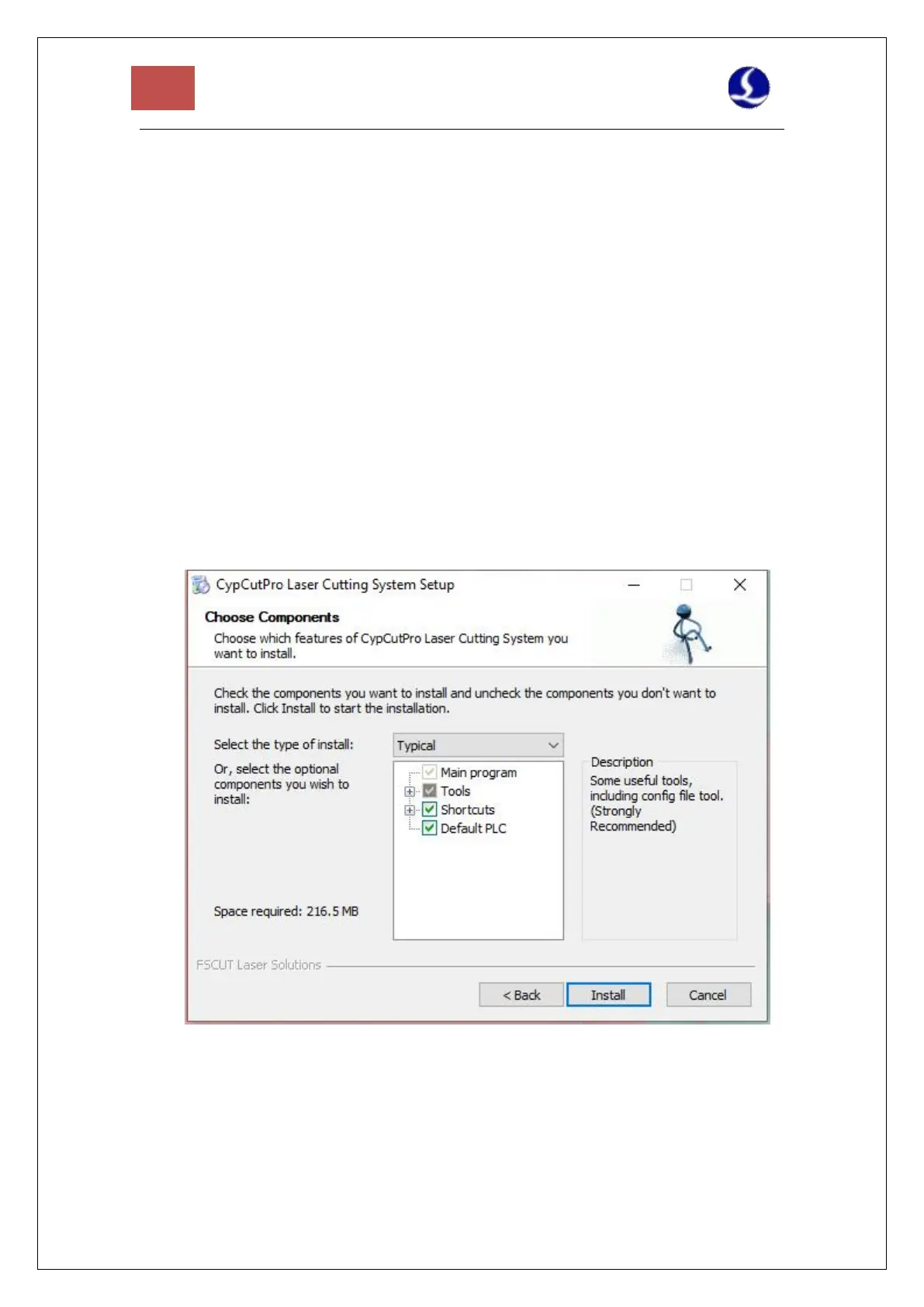
1. Use CypCutE to install the driver, check the driver when installing CypCutE, as shown
in Figure 7. The BMC228A driver will be automatically installed.
Figure 7 Check Driver Program
2. Open the "Device Manager", it will display "Other Devices” as shown in Figure 8, if its
driver is not installed.



 To Next Page