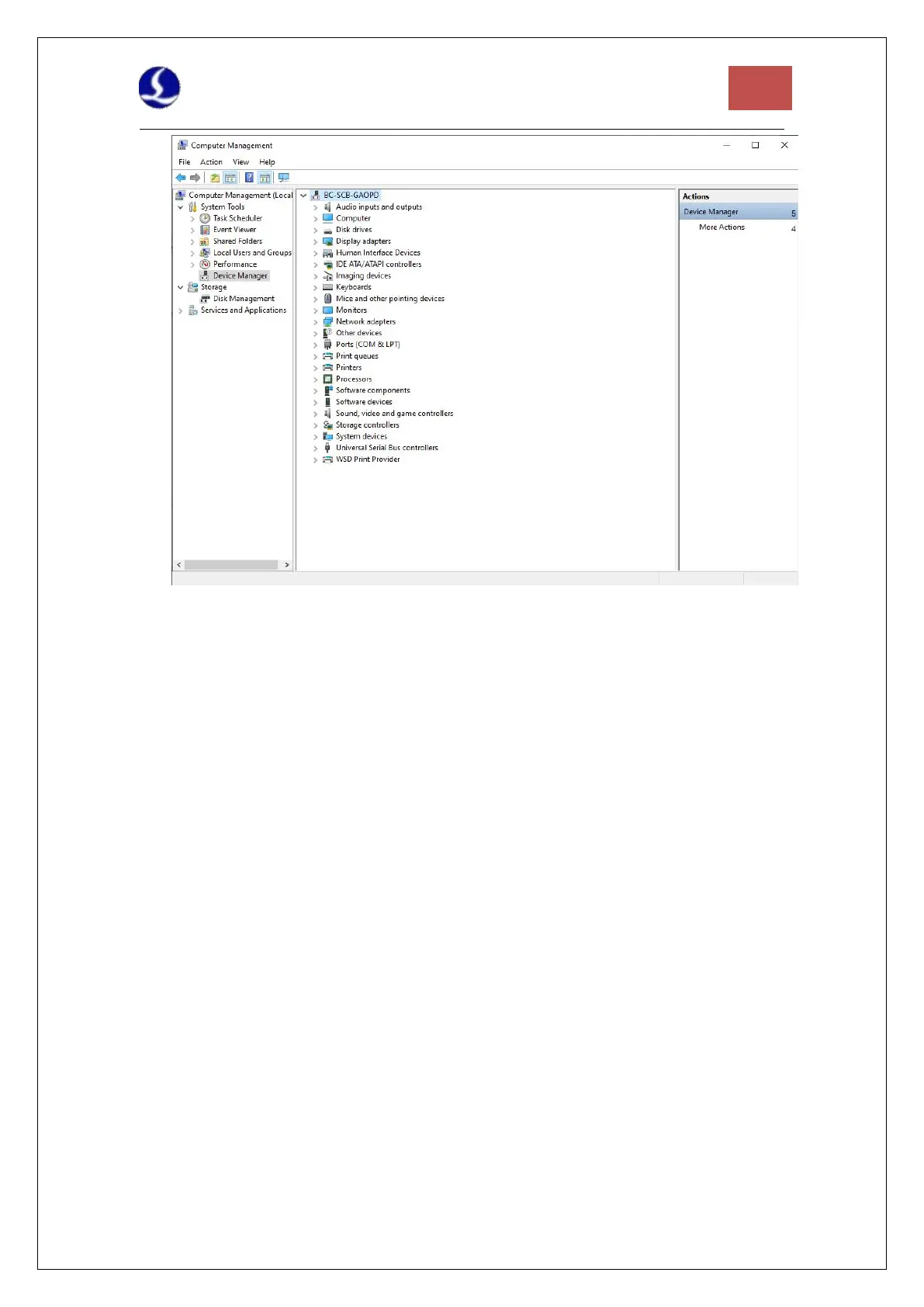
Figure 8 Unknown Device
Right click on "PCI FLASH Memory" and select "Update Driver Software".
Select CypCutE and find the default location of driver files: C:\Program Files
(x86)\Friendess\CypCutE\Drivers, then click Next.
The driver installation is complete, if "BMC228A DMA" is displayed.
3.1.3 Step 3. Connect Slave
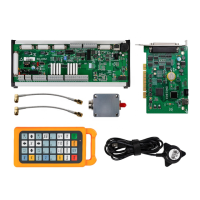
Use CAT5E or above standard network cable ( Friendess network cable recommended) to
connect the slave the wiring diagrams of BLT series cutting head and other cutting heads are
shown in section 1.2.
3.1.4 Step 4. Scan in Cypfig
Open “Cypfig” and click “BUS Scan”-”Start”. The system will scan the connected slave
information.
3.1.5 Step 5. Use CypCutE
After setting the parameters in the "Cypfig", open CypCutE, import the graphics, and set the
process parameters, then it can be processed See the software manual for details.



 To Next Page