EasyManua.ls Logo

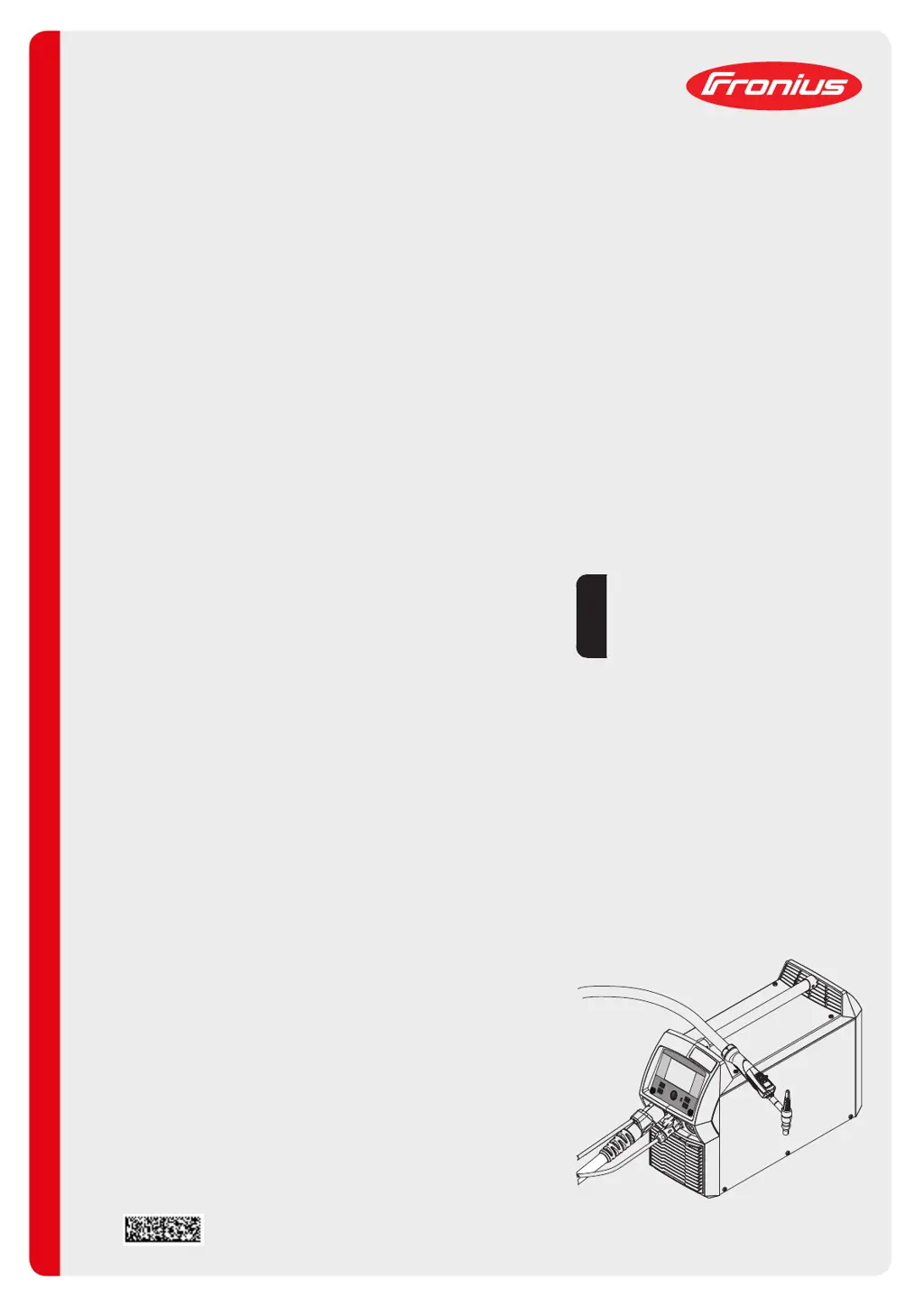
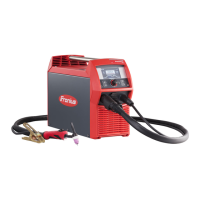
Fronius MagicWave 230i - User Manual

Fronius MagicWave 230i
156 pages
Print Icon
To Next Page IconTo Next Page
Loading...
Fronius prints on elemental chlorine free paper (ECF) sourced from certified sustainable forests (FSC).
/ Perfect Charging / Perfect Welding / Solar Energy
42,0426,0250,EN 008-11112019
MagicWave 190
MagicWave 230i
TransTig 230i
Operating Instructions
TIG Power source
EN

Table of Contents

Other manuals for Fronius MagicWave 230i

Questions and Answers

  • F
    fischerglennAug 4, 2025
    Why Fronius Welding System has no welding current?
    • V
      vpetersonAug 5, 2025
      The Fronius Welding System might not have welding current due to several reasons: overload (check duty cycle), the thermostatic safety cut-out has tripped (wait for the power source to automatically come back on after the cooling phase), or a faulty fan in the power source (contact After-Sales Service).
  • M
    Mark GarciaAug 9, 2025
    How to fix Fronius Welding System when power source does not function?
    • M
      Mrs. Jennifer Munoz DVMAug 9, 2025
      If the power source of your Fronius Welding System isn't functioning, it could be due to a break in the mains lead or the mains plug not being plugged in (check the mains lead and ensure the plug is properly connected). Another cause might be a faulty mains socket or plug (replace faulty parts) or a tripped mains fuse (change the mains fuse).
  • C
    charles78Aug 13, 2025
    What to do if my Fronius MagicWave 230i has no protective gas shield?
    • L
      Laura ReevesAug 13, 2025
      If your Fronius Welding System lacks a protective gas shield, the issue might stem from an empty gas cylinder (change the gas cylinder), a faulty gas pressure regulator (change the gas pressure regulator), an improperly fitted or damaged gas hose (fit or change the gas hose), a faulty welding torch (change the welding torch), or a faulty gas solenoid valve (contact After-Sales Service).
  • B
    Beverly AdamsAug 17, 2025
    What causes no welding current in Fronius MagicWave 230i Welding System?
    • C
      ccisnerosAug 17, 2025
      A lack of welding current in your Fronius Welding System can be caused by an incorrect grounding (earthing) connection (check the grounding connection and terminal for correct polarity) or a break in the current cable in the welding torch (replace the welding torch).
  • B
    Barry BerryAug 22, 2025
    What to do if nothing happens when I press the torch trigger on my Fronius Welding System?
    • M
      mahoneydanielleAug 22, 2025
      If nothing happens when you press the torch trigger on your Fronius Welding System, the control plug may not be plugged in (plug in the control plug). Alternatively, the welding torch or welding torch control line might be faulty (replace the welding torch).
  • J
    johnmorganAug 26, 2025
    How to troubleshoot poor weld properties with Fronius MagicWave 230i?
    • S
      singhchristineAug 26, 2025
      Poor weld properties in your Fronius Welding System could be due to incorrect welding parameters (check the settings) or an incorrect grounding (earthing) connection (check the grounding connection and terminal for correct polarity).
  • A
    amber96Aug 30, 2025
    Why is the welding torch of my Fronius Welding System becoming very hot?
    • M
      Matthew AliAug 30, 2025
      If the welding torch of your Fronius Welding System is getting very hot, it could be because the dimensions of the welding torch are inadequate (observe the duty cycle and loading limits). If you have a water-cooled machine, it may be due to insufficient water flow rate (check the water level, water flow rate, cleanliness; if the coolant pump is blocked, use a screwdriver to turn the coolant pump shaft) or the welding parameter 'Cool. unit ctrl' is set to "OFF" (in the set-up menu, set welding parameter 'Cool. unit ctrl' to "Aut" or "ON").

Summary

Safety Rules

Safety Notices and General Obligations

Explains safety symbols and outlines operator/personnel responsibilities.

Hazard Identification and Mitigation

Covers electrical, physical, toxic gas, spark, EMF, and EMC hazards with precautions.

Control Elements and Connections

Control Panel Layout

Explains the control panel layout, display elements, and buttons.

Installation and Commissioning

Before Installation and Commissioning

Welding Operations

TIG Welding Procedures and Parameters

Covers TIG modes, parameters for DC/AC, ignition, and pulsing/tacking functions.

MMA Welding Procedures and Parameters

Details MMA welding procedures, parameters, and electrode-specific settings.

Setup Settings

Setup Menu Navigation and Parameter Configuration

Explains Setup menu access and configuration of TIG, MMA, CEL, Gas, Components, Ignition parameters.

System Information and SmartManager

Troubleshooting and Maintenance

Troubleshooting Common Issues

Addresses power source faults, no welding current, gas shield issues, poor weld quality, and torch problems.

Fronius MagicWave 230i Specifications

General IconGeneral
Output Current Range5 - 230 A
Weight21 kg
Welding ProcessTIG, MMA
Open Circuit Voltage70 V
Protection ClassIP 23
Mains Frequency50/60 Hz
Rated Input Current16 A
No-load Voltage70 V
Input Voltage3~400 V
CoolingFan
Rated Input Voltage3 x 400 V

Related product manuals