Example 2:
Input Battery
Fronius
Ohmpilot
Quantity
Primary meter
Quantity
Secondary meter
Modbus 0 (M0)
1 3
Modbus 1 (M1)
0 4
0 2
0 1
Multi-meter sys-
tem - Fronius
GEN24 inverter
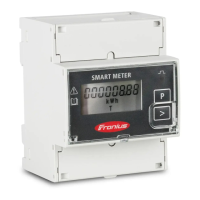
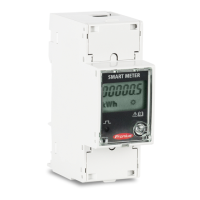
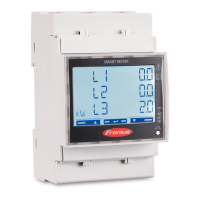
If several Fronius Smart Meters are installed, a separate address must be set for
each one (see Setting the address of the Fronius Smart Meter on page 17). The
primary meter is always assigned address 1. All the other meters are numbered
consecutively with the address range from 2 to 14. Different Fronius Smart
Meter power categories can be used in combination.
IMPORTANT!
Use max. 7 secondary meters in the system. To avoid interference, it is recom-
mended to install the terminating resistors according to chapter Terminating
resistors on page 11.
Location of the primary meter in the consumption branch. *Terminating resistor R 120 Ohm
16






 To Next Page