3
Press "Prog" for 2 seconds to
change to the menu item "Ad" (ad-
dress).
4
Set the relevant address.
-
Permissible values: 1 - 14
IMPORTANT!
Skip all other settings and leave them
unchanged.
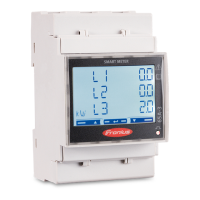
Reading the
Fronius Smart
Meter operating
parameters
Symbol Name Event Function
Prog
1 x
Continue to the next screen
Prog
2 seconds
Reset value / switch to basic settings
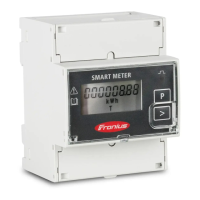
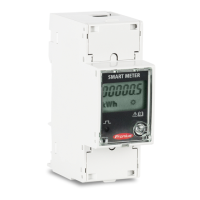
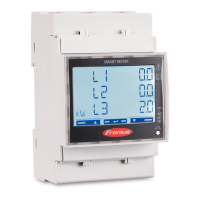
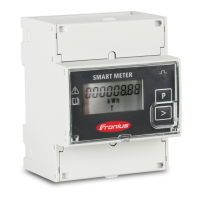
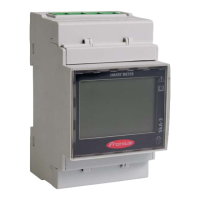
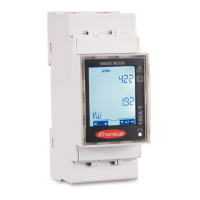
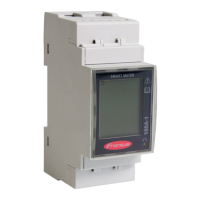
The following illustrations are symbolic representations. The values displayed
vary for each individual unit.
Display Description
Total active energy consumed
Total active energy produced
Press for 2 seconds to reset
the value
Total reactive energy
18






 To Next Page