Contents
Safety rules 4
Explanation of safety notices 4
General 4
Environmental conditions 5
Qualified personnel 5
Copyright 5
Data protection 5
General 6
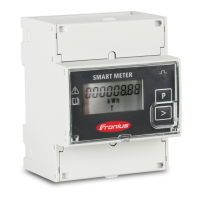
Device description 6
Symbols on the device 6
Positioning 6
Installation 8
Checklist for installation 8
Mounting 8
Protective circuit 8
Cabling 9
Connecting the data communication cable to the inverter 9
Terminating resistors - Explanation of symbols 11
Terminating resistors 11
Multi-meter system - Explanation of symbols 12
Modbus participants - Fronius SnapINverter 13
Multi-meter system - Fronius SnapINverter 14
Modbus participants - Fronius GEN24 15
Multi-meter system - Fronius GEN24 inverter 16
Menu structure 17
Setting the address of the Fronius Smart Meter 17
Reading the Fronius Smart Meter operating parameters 18
Start-up 21
Fronius SnapINverter 23
General 23
Connecting to the Fronius Datamanager 23
Configuring the Fronius Smart Meter as the primary meter 23
Configuring the Fronius Smart Meter as a secondary meter 24
Fronius GEN24 inverter 25
General 25
Installation using the web browser 25
Configuring the Fronius Smart Meter as the primary meter 26
Configuring the Fronius Smart Meter as a secondary meter 26
Technical data 28
Technical data 28
Fronius manufacturer's warranty 30
3
EN

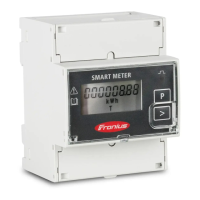

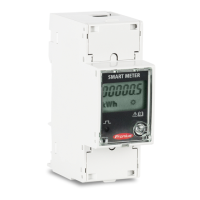
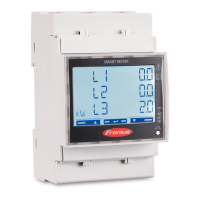
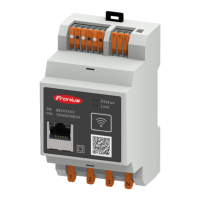





 To Next Page