© 2021 Flanders Scientic, Inc.
12
Return to Table of Contents
Function Menu
Measurement (10bit & 8bit)
This function allows you to get precise real time YRGB measurements of any point or area within your incoming signal.
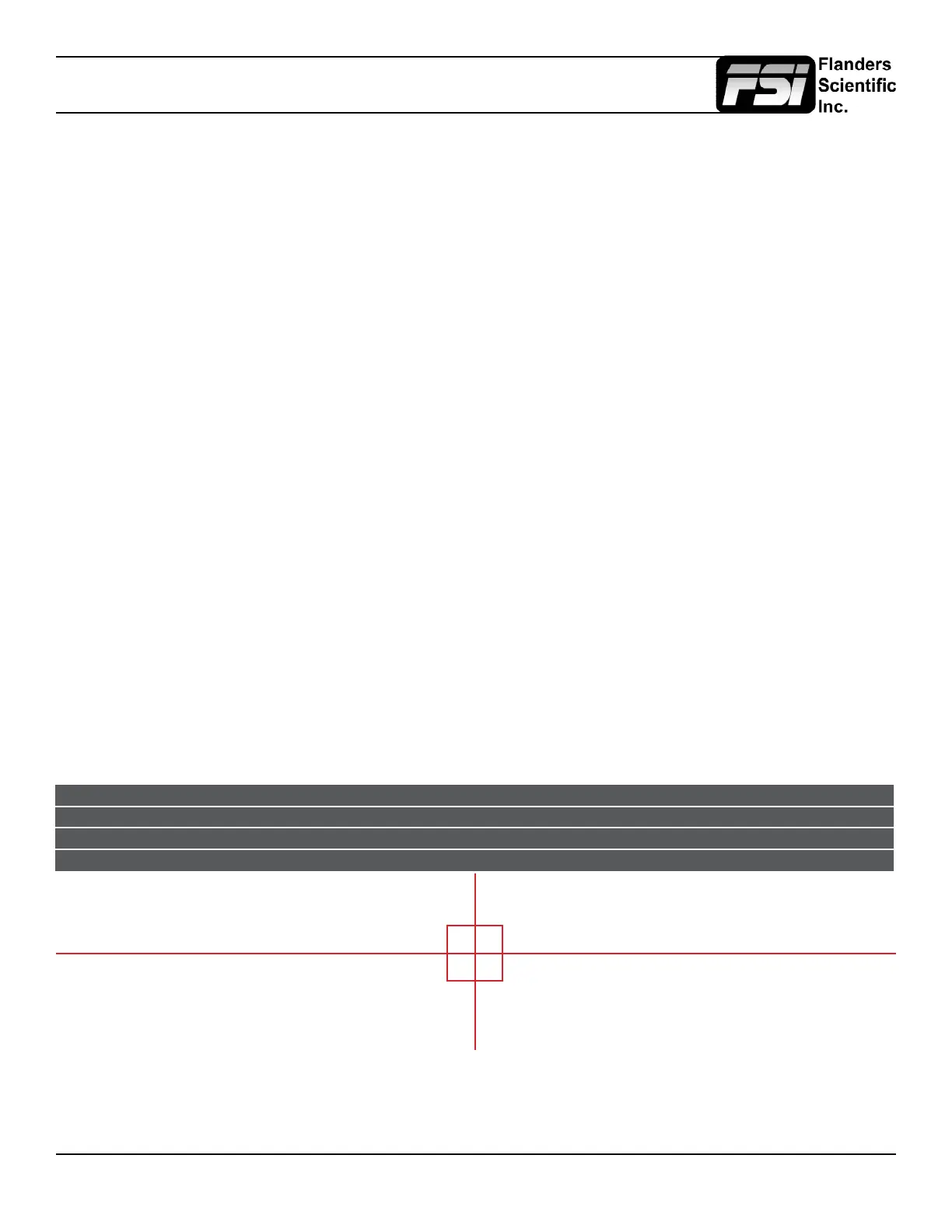
With the Measurement function on you can use the H POS and V POS rotary knobs to position your crosshair over the point
within your source that you would like to measure. To reset the vertical or horizontal position of your crosshair back to center
simply press down on the corresponding rotary knob. You may also use the Ref POS rotary knob to select the size of the
sampling area for the measurement data (from a single pixel to a much larger area where the values will be an average of
all pixels within your dened sample area). As you move the crosshair your Measurement data will update in real time. The
Measurement function is available in a 10 bit mode or 8 bit mode and will provide you with the following data in real time:
• Line and Sample (Identies position of your crosshair)
• Y (Luminance as an absolute value between 0-255 for 8 bit and 0-1023 for 10 bit)
• Y% (Luminance level expressed as percentage)
• R% (Red level expressed as percentage)
• G% (Green level expressed as percentage)
• B% (Blue level expressed as percentage)
• R (Red level as an absolute value between 0-255 for 8 bit and 0-1023 for 10 bit)
• G (Green level as an absolute value between 0-255 for 8 bit and 0-1023 for 10 bit)
• B (Blue level as an absolute value between 0-255 for 8 bit and 0-1023 for 10 bit)
You can also press the Ref POS rotary knob to set a reference position onscreen. Once your reference position is set
it will be indicated on screen by a separate crosshair and you will be able to move the active crosshair to obtain a real
time readout of your current and reference positions as well as a separate readout of the precise difference between
current and reference locations. Please note that your reference position is both a spatial and temporal reference meaning
that the values indicated on screen for the reference are for that point on screen at the moment you set the reference.
Pressing the F Stop rotary knob button allows you to set your current crosshair position as an F-Stop reference
and view differences between this current position and your reference position as an F-Stop value. The F-Stop
reference feature is independent of the Ref POS feature. The F-Stop reference value will always be based on
the levels of your current active crosshair position at the precise moment when the F-Stop knob is pressed.
The crosshair color will follow the color selected for markers from the Marker Menu. To change the color of the Measurement
function’s crosshair change the Marker color.
Measure Line Sample Y1024 R1024 G1024 B1024 Y% R% G% B% F/stop
Current 293 944 249 246 251 217 21.1 20.8 21.3 17.5 -0.0
Ref_Pos 316 994 240 240 241 219 20.1 20.1 20.2 17.7 -0.1
Diff -24 -51 9 6 10 -2 1.0 0.7 1.1 -0.2 0.1



 To Next Page