© 2021 Flanders Scientic, Inc.
6
Return to Table of Contents
Parts & Their Functions
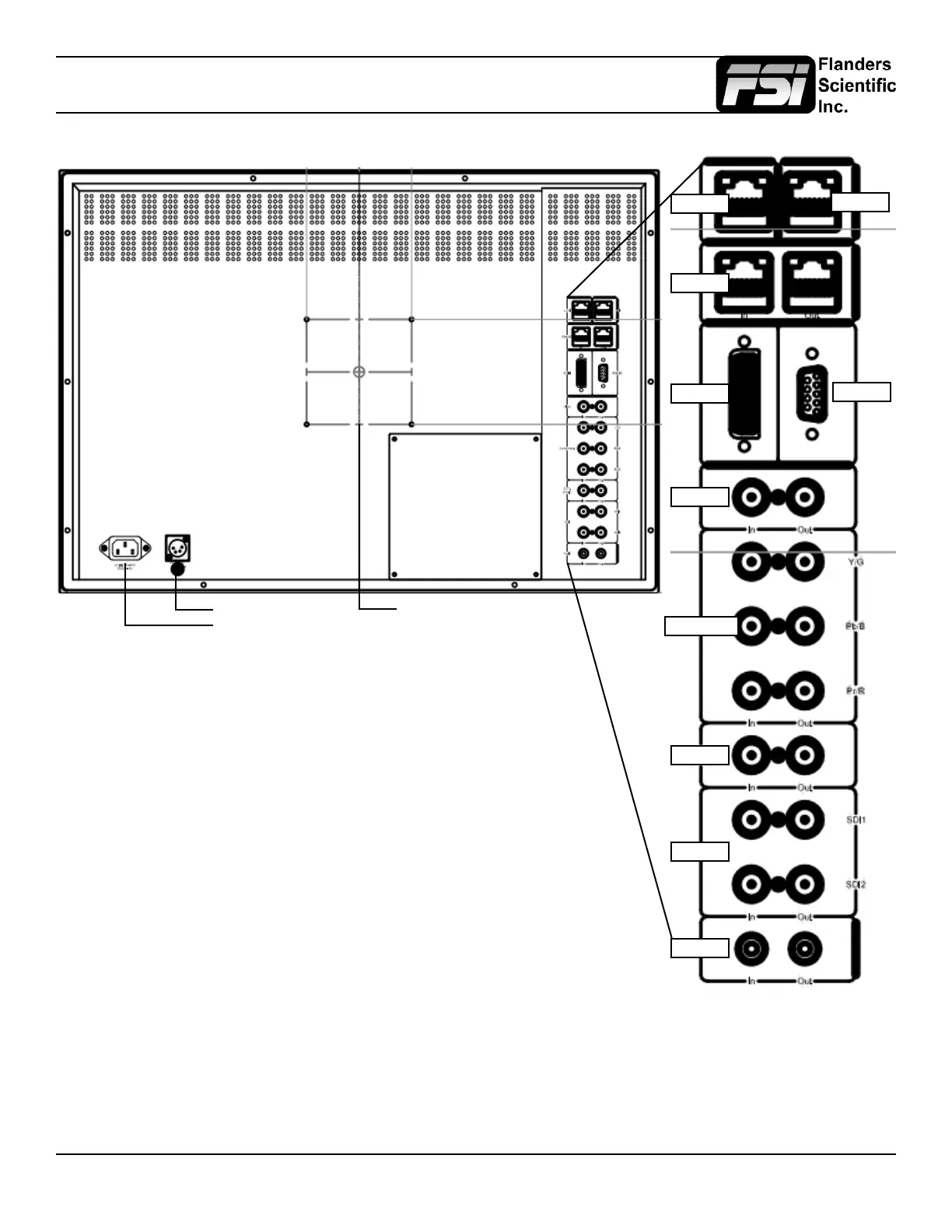
• LAN: Used for IP control of the monitor with the FSI IP Remote Utility.
• GPI: General Purpose Interface for Contact Closure Remote Control.
Remote Control Functions can be assigned from the GPI Menu.
• RS-485: RS-485 Ports (In/Out) for looping remote control interface. Serial
remote control protocol available upon request.
• DVI-I: DVI-I Input. Supports both DVI-Analog & DVI-Digital.
Analog / Digital Toggle is found on the Video Menu.
• Video In/Out: Composite Video Input & Loop Through.
• Component In/Out: Component Video (SD & HD autosensing) Input & Loop
Through.
Supports both YPbPr & RGB signals.
• Ext. Sync. In/Out: External Reference Synchronization Interface.
• SDI In 1 & SDI In 2: Two Autosensing, Autoswitching, Multi-Format 3G/Dual-Link/
HD/SD-SDI Inputs.
• SDI Out 1 & Out 2: Two looped 3G/Dual-Link/HD/SD-SDI Outputs.
• Audio In/Out: Analog Stereo Mini-phono Audio Input & Output. Unbalanced, Audio
Out delayed by exact amount of monitor video processing time to maintain sync.
* Note: CM250 models starting at M250A00845 and newer feature an auto-
ranging 12~24 VDC connection. All BM211 and BM241 feature auto-ranging
12V~24VDC support.
DC Power *
AC Power
100mm VESA
LAN
RS-485
GPI
RS-232
DVI-I
Video
Component
SDI
Ext Sync
Audio



 To Next Page