Fax
4
4 Fax
176
Layout Adjustment
This section describes the features you can select on the [Layout Adjustment] screen.
The following shows the reference section for each feature.
2 Sided Scanning (Transmitting 2-sided Originals)..................................................................176
Original Size (Specifying the Scan Size for the Original)........................................................176
Mixed Size Originals (Scanning Different Size Documents Simultaneously) .........................177
Book Faxing (Scanning Facing Pages onto Separate Sheets)...................................................178
Reduce/Enlarge (Specifying a Scan Ratio)...............................................................................179
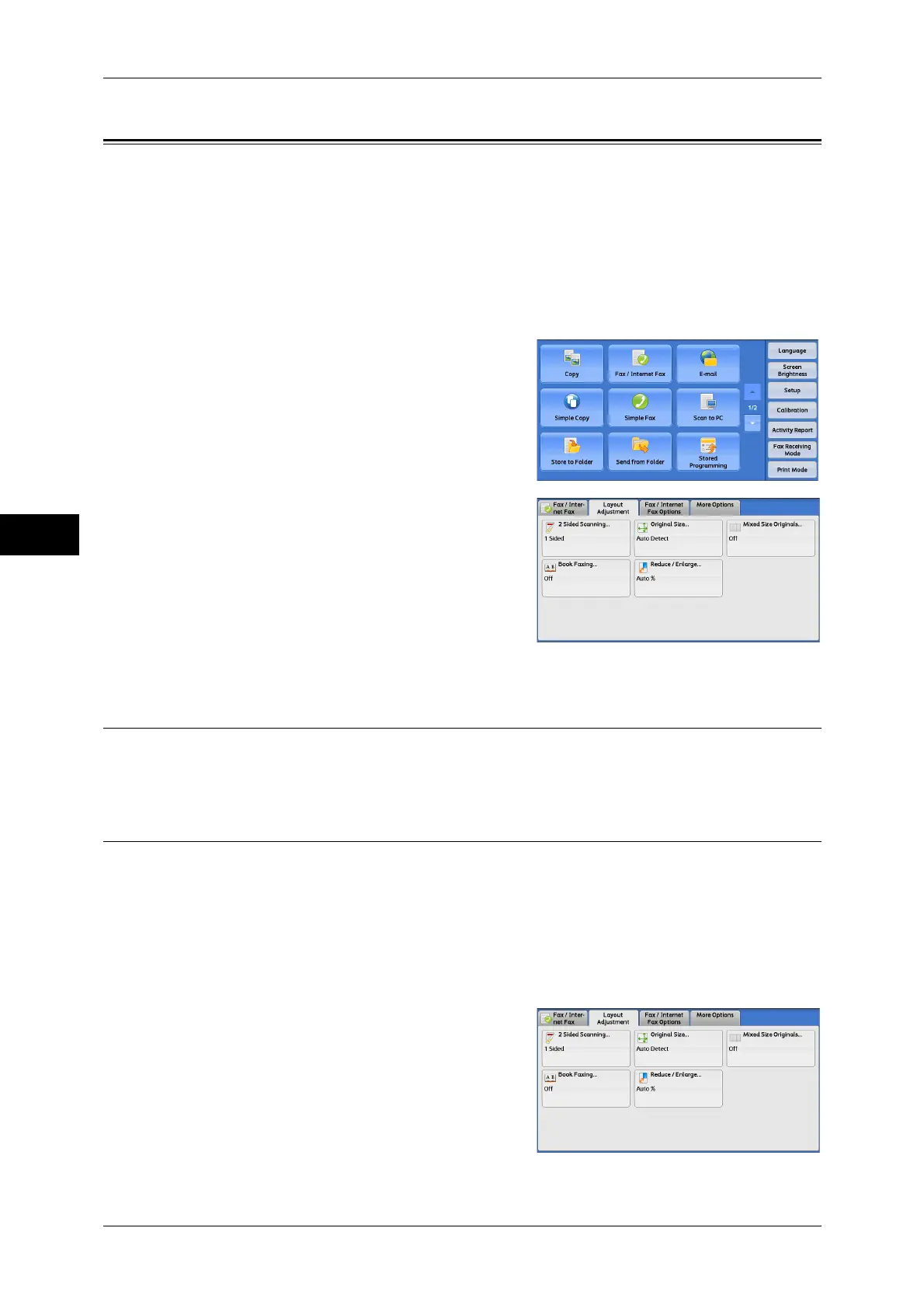
1 Select [Fax/Internet Fax] on the [Services
Home] screen.
2 Select a feature on the [Layout Adjustment]
screen.
2 Sided Scanning (Transmitting 2-sided Originals)
This feature is the same as [2 Sided Scanning] on the [Fax/Internet Fax] screen. For more information,
refer to "2 Sided Scanning (Transmitting 2-sided Originals)" (P.173).
Original Size (Specifying the Scan Size for the Original)
You can specify the scan size for fax transmission.
Use this feature when a document is a non-standard size, or when you want to scan a
document at a size different from the original size. You also can add margins, or delete
unwanted margins.
You can change the default values for buttons other than [Auto Detect] in the System Administration
mode. For information on how to change the default values, refer to "5 Tools" > "Fax Service Settings"
> "Original Size Defaults" in the Administrator Guide.
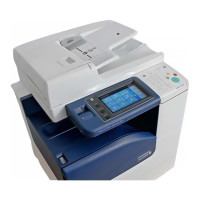
1 Select [Original Size].


 To Next Page
 Loading...