256 Maintenance
Installing a Toner Cartridge
1 Unpack a new toner cartridge.
NOTE:
• Handle the toner cartridge carefully to avoid spilling of the toner.
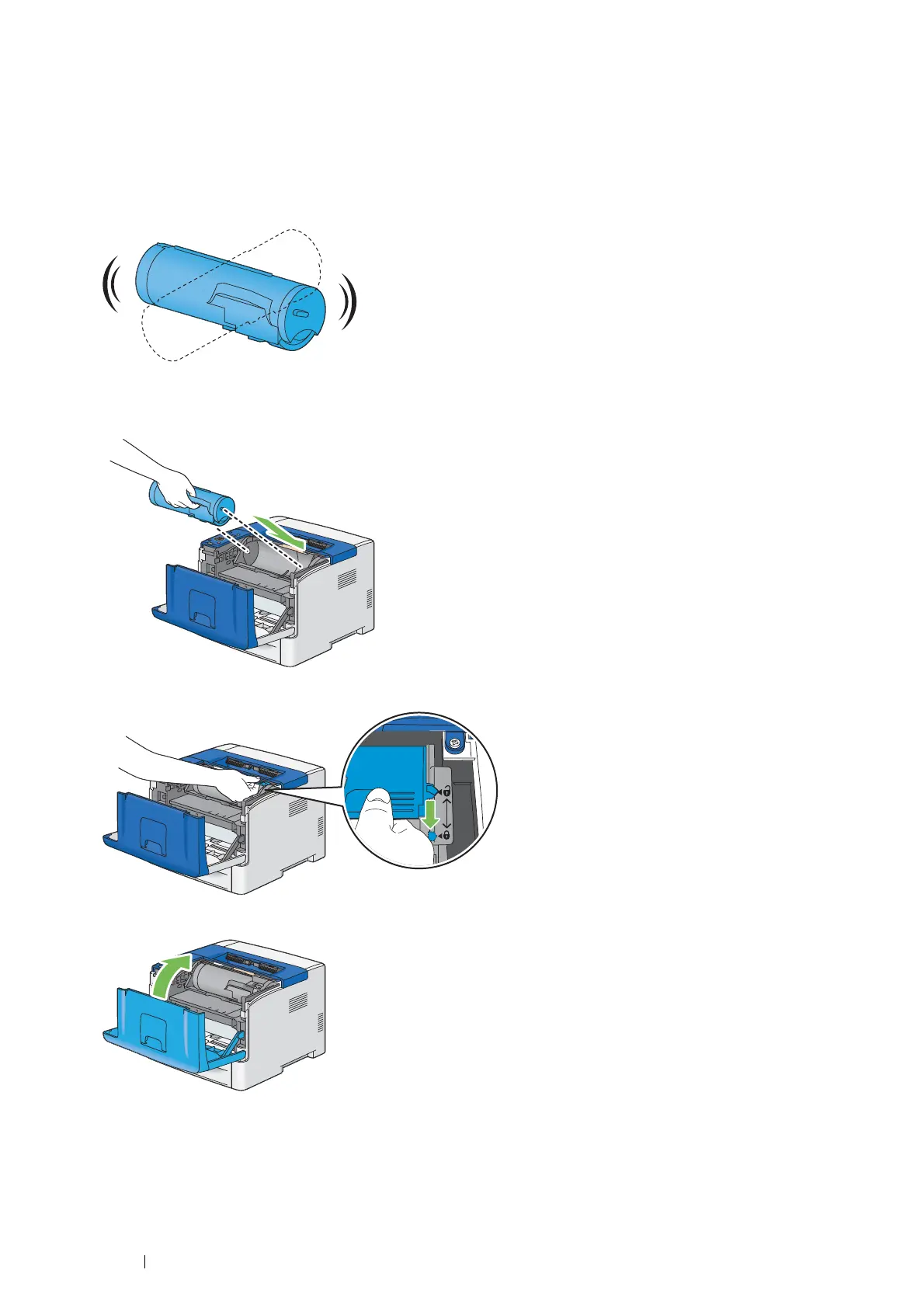
2 Shake the new toner cartridge five or six times to distribute the toner evenly.
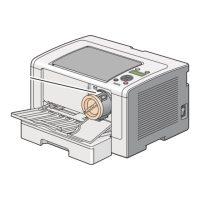
3 Make sure that the two tabs of the toner cartridge align with the grooves on the printer, and then insert it into the
printer until it clicks.
4 Grasp the toner cartridge lock lever, and then pull it down until it stops.
5 Close the front cover.



 To Next Page
 Loading...