EasyManua.ls Logo

FujiFilm IS Pro - User Manual

FujiFilm IS Pro
244 pages
Print Icon
To Next Page IconTo Next Page
Loading...
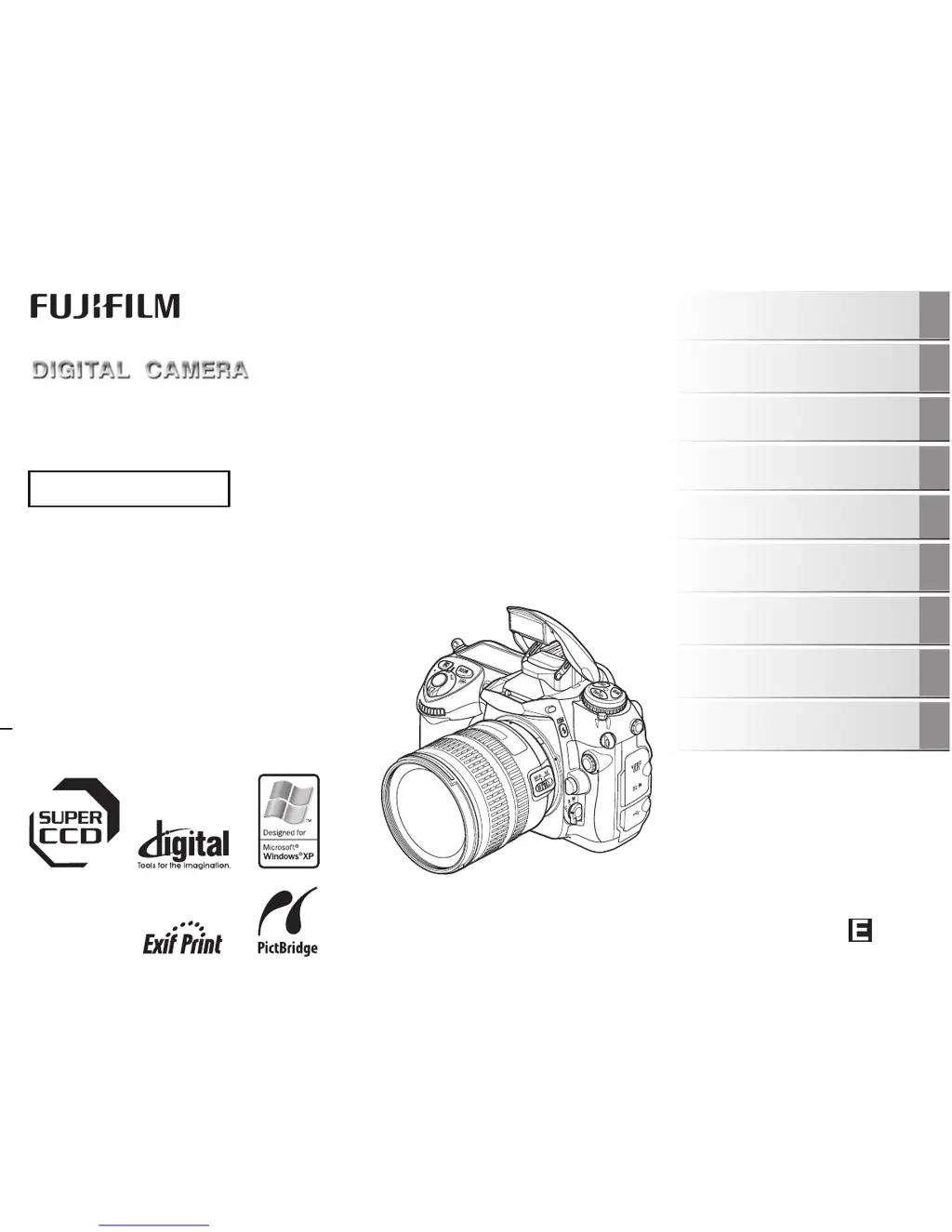
IS Pro
OWNER’S MANUAL
This manual will show you how to use
your FUJIFILM DIGITAL CAMERA
IS Pro correctly.
Please follow the instructions carefully.
FZ07044-100
Getting Ready
Using the Camera
Advanced Features
Photography
Settings
Camera Connection
Software
Installation
Playback
Appendices
Troubleshooting

Table of Contents

Questions and Answers

  • W
    wsmithAug 20, 2025
    How to fix FujiFilm IS Pro Digital Camera that is not turning on?
    • C
      Cassandra HortonAug 20, 2025
      If your FujiFilm Digital Camera isn't turning on, the battery may be dead. Try charging the battery or loading a fully charged one. Also, ensure the battery is loaded in the correct direction and that the battery cover is securely closed. If you're using an AC power adapter, make sure it's correctly connected to the camera.
  • D
    Dwayne GeorgeAug 25, 2025
    Why does my FujiFilm Digital Camera battery drain so fast?
    • B
      Beverly MartinAug 25, 2025
      If your FujiFilm Digital Camera battery is draining quickly, it could be due to a few reasons. If you're using the camera in extremely cold conditions, try warming the battery in your pocket before use. Also, try wiping the battery terminals with a clean, dry cloth. If you've been using the same battery for a long time, it might be time to replace it with a new one.
  • K
    Kimberly GordonAug 26, 2025
    Why is the flash not working on my FujiFilm Digital Camera?
    • T
      tina57Aug 27, 2025
      If your FujiFilm Digital Camera's flash isn't working, it could be because you pressed the shutter button while the flash was still charging. Wait until charging is complete before pressing the shutter button. Also, make sure the flash isn't set to suppressed flash mode by raising the built-in flash. Finally, check if the battery has run out and charge or replace it if necessary.
  • R
    Robert WigginsAug 28, 2025
    Why does my FujiFilm IS Pro Digital Camera power off suddenly?
    • H
      heatherolsonAug 28, 2025
      If your FujiFilm Digital Camera is cutting out during operation, it could be due to a dead battery. Try charging it or loading a fully charged battery. Also, make sure the camera and AC power adapter are correctly connected. Finally, ensure you are using the specified rechargeable battery NP-150.
  • Z
    Zachary MontgomeryAug 30, 2025
    Why are my FujiFilm Digital Camera flash photos too dark?
    • K
      kevinhoffmanAug 30, 2025
      If the playback image on your FujiFilm Digital Camera is dark even when you used the flash, it might be because the subject was too far away. Move closer to the subject within the flash's effective range before taking the picture. Also, make sure your finger wasn't covering the flash while taking the photo; hold the camera correctly.
  • R
    rodriguezjoshuaSep 1, 2025
    How to fix blurry images on FujiFilm IS Pro Digital Camera?
    • M
      Micheal GreeneSep 1, 2025
      If the image from your FujiFilm Digital Camera is blurred, the lens might be dirty, so try cleaning it. If you were using Manual focus mode (M), switch to Single-servo AF (S) or Continuous-servo AF (C), or ensure sharp focus in Manual mode before taking the picture. Also, if the shutter speed was slow, it may have caused camera shake, so hold the camera steadily.
  • J
    joneswilliamSep 3, 2025
    How to change language on FujiFilm IS Pro Digital Camera?
    • K
      Kendra JohnstonSep 3, 2025
      If your FujiFilm Digital Camera screens are not displayed in English, it's likely that a different language is selected under the TIME settings in the SETUP menu. To fix this, simply select ENGLISH.
  • K
    Kristine BennettSep 5, 2025
    How to delete protected photos from FujiFilm IS Pro Digital Camera?
    • K
      katrinamorganSep 5, 2025
      If the function to erase a frame on your FujiFilm Digital Camera isn't working, it's possible that some frames are protected. To solve this, unprotect the frame(s) you wish to erase.
  • J
    Jeremy SchneiderSep 7, 2025
    Why is continuous frame numbering not working on my FujiFilm IS Pro Digital Camera?
    • D
      dylanibarraSep 7, 2025
      If the [CONTINUOUS] function under [FRAME NO.] is not working on your FujiFilm Digital Camera, it might be because you opened the battery cover without turning the camera off when replacing the battery or memory card. Always turn the camera off when replacing these components, as opening the cover without doing so may cause the frame number memory to malfunction.
  • A
    Alicia OchoaSep 9, 2025
    Why is my FujiFilm Digital Camera not displaying on TV?
    • L
      Lisa MartinSep 9, 2025
      If there is no image displayed on the TV when connecting your FujiFilm Digital Camera, ensure the camera is correctly connected to the TV. Also, check that the TV input is set to “VIDEO,” not “TV”. Finally, verify that the video output setting on the camera is correctly set to either [NTSC] or [PAL].

Summary

Getting Started and Basic Operation

Initial Camera Setup

Steps for attaching lenses, charging battery, inserting memory cards, and initial configuration.

Camera Parts and Controls

Visual guide to the camera's buttons, dials, and ports.

Basic Camera Operations

Essential steps for everyday camera use, including taking photos.

Image Playback and Management

How to view, zoom, and manage captured images.

Advanced Photography Features

Mastering Focus Control

Detailed settings for autofocus, manual focus, and focus areas.

Exposure Control Modes

Comprehensive guide to P, S, A, and M exposure modes and compensation.

Flash Photography Techniques

Using built-in and external flash for optimal lighting effects.

Shooting Menu Customization

Configuring image parameters like film simulation, color, and ISO.

System Setup, Connectivity, and Software

SET UP Menu Configuration

Guide to accessing and configuring various camera system settings.

Camera Connectivity Options

Connecting to TVs, printers via PictBridge, and PCs.

Software Installation and Management

Procedures for installing and uninstalling camera software.

Support, Troubleshooting, and Safety

Camera Usage, Maintenance, and Safety

Guidelines for proper camera handling, cleaning, and essential safety precautions.

Troubleshooting Common Issues

Solutions for common camera problems and error messages.

Technical Specifications

Detailed technical data of the camera system.

Safety Precautions

Critical safety instructions for using the camera and its accessories.

FujiFilm IS Pro Specifications

General IconGeneral
Camera TypeDigital SLR
Sensor TypeCCD
Sensor Size23.0 x 15.5 mm
Lens MountNikon F mount
Shutter Speed30 - 1/4000 sec
Storage MediaCompactFlash (Type I/II)
Sensor Resolution12.3 MP
ISO Range100-1600 (expandable to 3200)

Related product manuals