EasyManua.ls Logo

FujiFilm IS Pro - User Manual

FujiFilm IS Pro
244 pages
Print Icon
To Next Page IconTo Next Page
Loading...
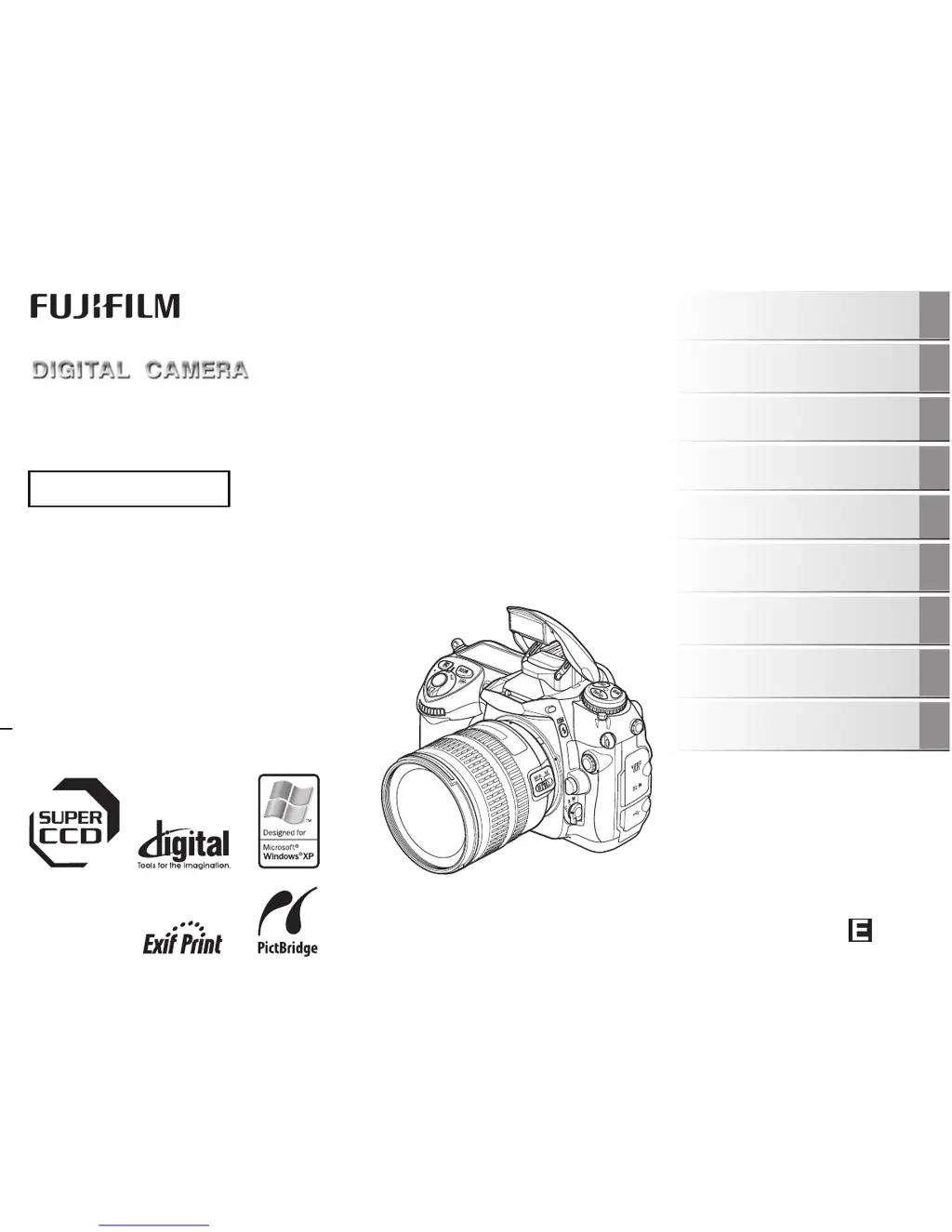
IS Pro
OWNER’S MANUAL
This manual will show you how to use
your FUJIFILM DIGITAL CAMERA
IS Pro correctly.
Please follow the instructions carefully.
FZ07044-100
Getting Ready
Using the Camera
Advanced Features
• Photography
Settings
Camera Connection
Software
Installation
• Playback
Appendices
Troubleshooting

Table of Contents

Questions and Answers

  • L
    Lydia TaylorSep 12, 2025
    Why is my FujiFilm IS Pro Digital Camera showing black and white on TV?
    • M
      Mrs. Debbie DennisSep 12, 2025
      If the TV image from your FujiFilm Digital Camera is black and white, the video output setting is likely incorrect. Change the setting to [NTSC] or [PAL] to resolve this issue.
  • O
    omcbrideSep 13, 2025
    Why won't my computer recognize my FujiFilm IS Pro Digital Camera?
    • S
      sanchezshannonSep 13, 2025
      If your PC isn't recognizing your FujiFilm Digital Camera, the USB cable (mini-B) might not be correctly connected to either the PC or the camera. Ensure the camera is properly set up and then correctly connect the USB cable (mini-B).
  • R
    Robert PettySep 15, 2025
    Why can't I print from my FujiFilm IS Pro Digital Camera using PictBridge?
    • U
      ujohnsonSep 15, 2025
      If you cannot print with PictBridge from your FujiFilm Digital Camera, first ensure that the USB cable (mini-B) is correctly connected to both the printer and the camera. Also, verify that the printer is turned on.
  • A
    Amy WolfeSep 17, 2025
    What to do if buttons are not working on FujiFilm IS Pro?
    • B
      Brenda RivasSep 17, 2025
      If your FujiFilm Digital Camera buttons aren't responding, it could be due to a temporary malfunction. Try briefly removing the battery or disconnecting the AC power adapter, then reload the battery or reconnect the adapter and try again. Also, check if the camera functions are locked by the function lock and unlock it if necessary. Finally, make sure that the battery has charge.
  • M
    Mark GloverNov 21, 2025
    What to do if my FujiFilm IS Pro Digital Camera does not take a photo?
    • W
      William MorrowNov 21, 2025
      If your FujiFilm Digital Camera is not taking pictures when you press the shutter button, there might be several reasons: * The memory card might be full. Try inserting a new memory card or deleting unnecessary frames. * The memory card might not be formatted. Format the memory card on the camera. * There might be no memory card inserted. Insert a memory card. * The battery may have run out. Charge the battery or load a fully charged battery. * The auto power off function may have turned the camera off. Turn the camera on. * The camera may not be focusing correctly in AF-S mode. Use AF lock to set the focus and check that the focus indicator is lit before taking the shot. * The camera may not be focusing. Set the focusing mode to manual (M), focus on the subject manually, an...

Summary

Getting Started and Basic Operation

Initial Camera Setup

Steps for attaching lenses, charging battery, inserting memory cards, and initial configuration.

Camera Parts and Controls

Visual guide to the camera's buttons, dials, and ports.

Basic Camera Operations

Essential steps for everyday camera use, including taking photos.

Image Playback and Management

How to view, zoom, and manage captured images.

Advanced Photography Features

Mastering Focus Control

Detailed settings for autofocus, manual focus, and focus areas.

Exposure Control Modes

Comprehensive guide to P, S, A, and M exposure modes and compensation.

Flash Photography Techniques

Using built-in and external flash for optimal lighting effects.

Shooting Menu Customization

Configuring image parameters like film simulation, color, and ISO.

System Setup, Connectivity, and Software

SET UP Menu Configuration

Guide to accessing and configuring various camera system settings.

Camera Connectivity Options

Connecting to TVs, printers via PictBridge, and PCs.

Software Installation and Management

Procedures for installing and uninstalling camera software.

Support, Troubleshooting, and Safety

Camera Usage, Maintenance, and Safety

Guidelines for proper camera handling, cleaning, and essential safety precautions.

Troubleshooting Common Issues

Solutions for common camera problems and error messages.

Technical Specifications

Detailed technical data of the camera system.

Safety Precautions

Critical safety instructions for using the camera and its accessories.

FujiFilm IS Pro Specifications

General IconGeneral
Camera TypeDigital SLR
Sensor TypeCCD
Sensor Size23.0 x 15.5 mm
Lens MountNikon F mount
Shutter Speed30 - 1/4000 sec
Storage MediaCompactFlash (Type I/II)
Sensor Resolution12.3 MP
ISO Range100-1600 (expandable to 3200)

Related product manuals