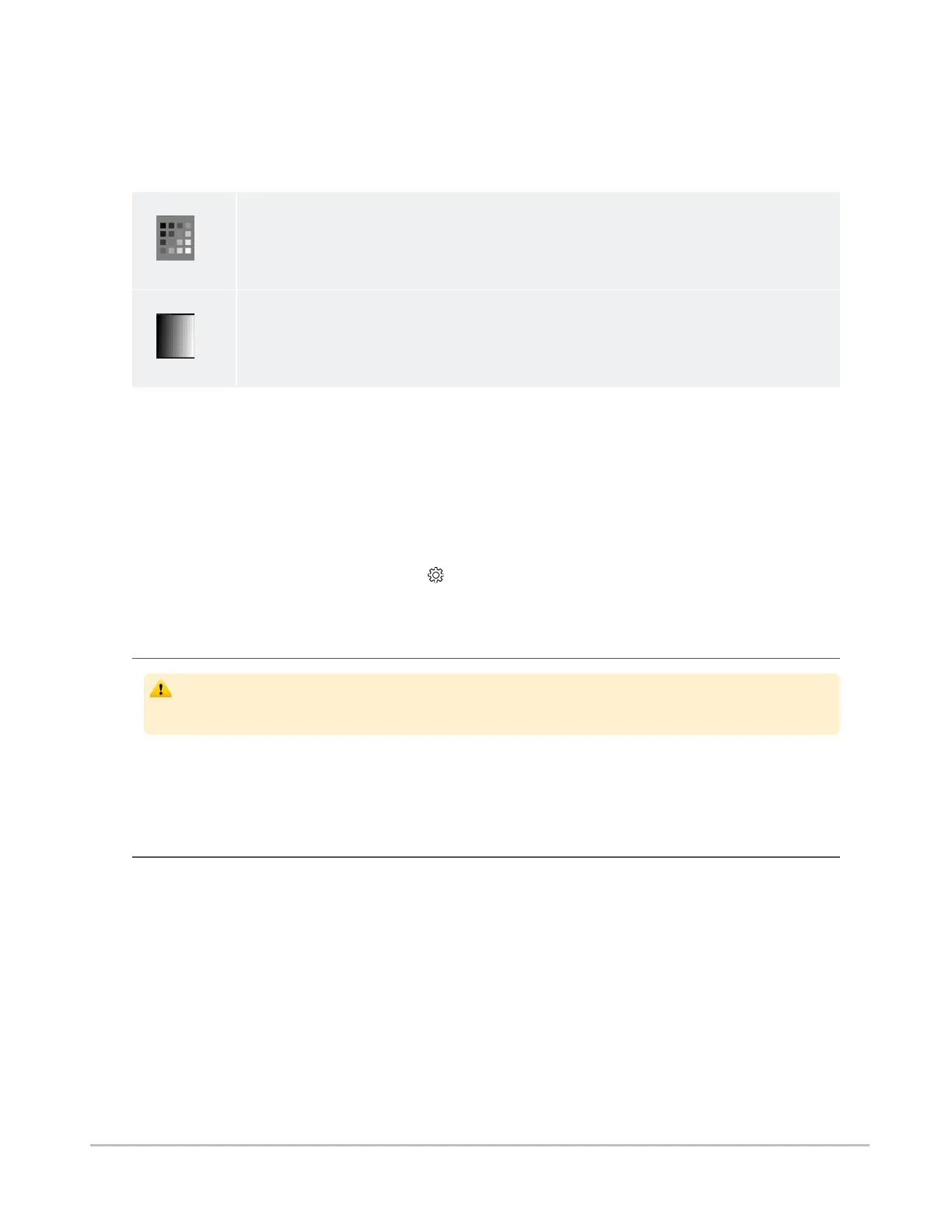
There are two patterns for assessing ambient light: TG18-CT and TG18-MP. These patterns were
developed by the American Association of Physicists in Medicine (AAPM) Task Group 18
1
, whose purpose
is to generate a document that provides guidelines to practicing medical physicists and engineers for in-
field performance evaluation of electronic display devices intended for medical use.
TG18-CT
This pattern is intended to support visual inspection of the luminance response of a display
device. It should be evaluated for visibility of the central half-moon targets and the four low-
contrast objects at the corners of each of the 16 different luminance regions.
TG18-MP
This pattern is intended to support visual inspection of the bit-depth resolution of a display
device. It should be evaluated to ascertain the horizontal contouring bands, their relative
locations, and grayscale reversals.
1
Reference: AAPM ON-LINE REPORT NO. 03: ASSESSMENT OF DISPLAY PERFORMANCE FOR MEDICAL IMAGING
SYSTEMS, American Association of Physicists in Medicine, 2005.
To assess the suitability of environmental lighting, you should review these patterns and determine whether
your ability to discern the above information is comparable to ideal lighting conditions. If you are not able to
perform this task, find a more appropriate environment before proceeding.
To perform ambient light user assessment:
1. Set your device’s display to maximum brightness and disable auto-brightness.
2.
Select Light Test from the settings menu.
3. Click Perform Light Test.
Patient privacy
The Synapse Mobility software accesses images together with patient information. It is
important to protect this data from access by unauthorized persons.
To protect private patient information when accessing the software remotely, you should ensure that
transmissions are secure. This can be facilitated using the recommended login and connection setup
provided by your hospital. See the Privacy notice.
Data limitations
You should be aware of the limitations in the accuracy and correctness of the output data displayed on the
screen, printed, or exported from the Synapse Mobility software. The quality of the data is dependent on the
correctness of the input data, your interaction with the data, the quality, characteristics, and settings of the
display device or printer, the amount of ambient light in the vicinity and the necessity to interpolate the data
for display purposes.
Medical images are susceptible to magnification errors caused by differing patient sizes and projection
distances. If not corrected by the modality, these errors can affect the accuracy of the calibration
information contained in the image’s DICOM header. Measurement values in the Synapse Mobility
software are dependent on the calibration information provided by the modality in the DICOM header.
Accuracy also depends on the pixel spacing and slice interval values that are provided in the DICOM
Synapse® Mobility User Guide for HTML5 Preface
Confidential and Proprietary
DOC-0046692-A
12













 To Next Page