INTELLIGENT LAYOUTS
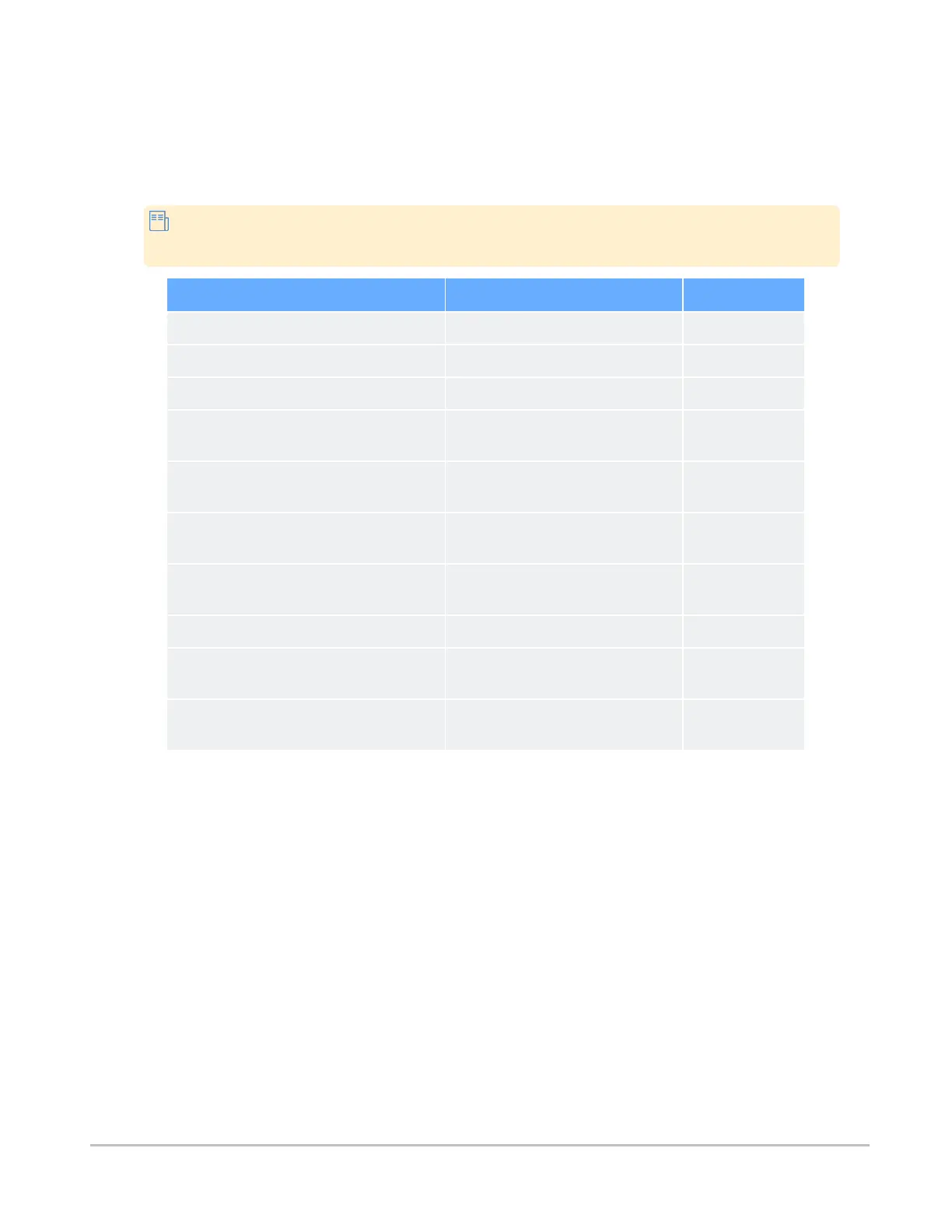
By default, the application will automatically load images in the optimal layout based on the device screen
size, modality, and number of series in the study. The default layouts are summarized in the table below.
Where applicable in the table below, the images will display either side-by-side (1x2 layout) or
top-bottom (2x1 layout), depending on device orientation.
Device Screen Size Modality Default Layout
Phone All modalites 1x1
Small or medium tablet (screen up to 10.5") Videos 1x1
Small or medium tablet (screen up to 10.5") CR, DX, MG 1x2 or 2x1
Small or medium tablet (screen up to 10.5") All other DICOM modalities and non-
DICOM objects
1x2 or 2x1
Laptop, single monitor, or large tablet (screen
10.5" or greater)
Videos 1x1
Laptop, single monitor, or large tablet (screen
10.5" or greater)
CR, DX, MG 1x2 or 2x1
Laptop, single monitor, or large tablet (screen
10.5" or greater)
All other DICOM modalities and non-
DICOM objects
2x2
Multi-monitor Videos 1x1
Multi-monitor CR, DX, MG 1x2 or 2x1 (each
monitor)
Multi-monitor All other DICOM modalities and non-
DICOM objects
2x2 (each
monitor)
Synapse® Mobility User Guide for HTML5 References
Confidential and Proprietary
DOC-0046692-A
69













 To Previous Page