BROWSING SEARCH RESULTS
Once you have completed a search, the application displays a list of results based on your search criteria.
If the application queried multiple PACS systems, it will integrate the query results together into a single
unified list.
You can browse and sort the results list, preview the content of individual studies, and load series directly
into the viewer.
In some configurations, returning users can access the most recently loaded studies from the History
section of the search results, eliminating the need to repeat recent searches.
See Series and other data types for a table summarizing the types of content that can be included in
studies.
Search results summary
The number of results returned is displayed above the search results.
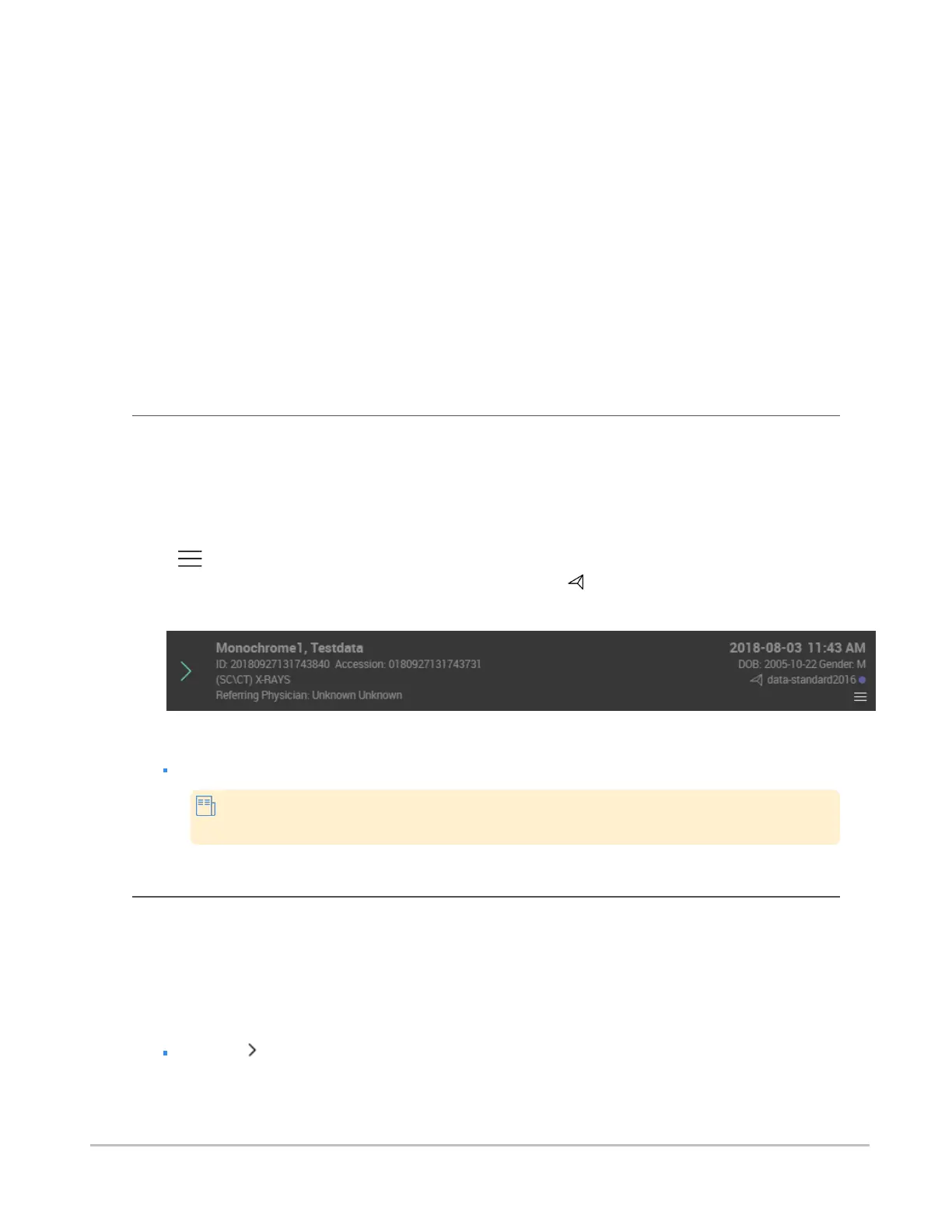
Each entry in the search results will display a summary of the study's information (patient name, ID, gender
and date of birth, and study acquisition date) to help you determine at a glance if this is the study that you
are interested in.
Depending on which features were enabled by the system administrator, each entry may also include a
menu ( ) and display icons that provide visual cues about the study or document. For example, in the
image below containing anonymized data, the study forward icon ( ) indicates that the study has been
forwarded to another institution (see Worklist menus for more information).
To sort search results
Click the column heading that you wish to use as the sort criteria.
Clicking the same search criteria again reverses the sorting order of the search
results.
Previewing studies
Expanding a study will help you find exactly what you want to view, and gain a good idea of what a study
contains before loading any actual images from the server.
When you expand a study, you will see the individual series, reports, and other patient documents that it
contains.
To expand a search result entry
Click the .
Synapse® Mobility User Guide for HTML5 Search interface
Confidential and Proprietary
DOC-0046692-A
23













 To Next Page