SERIES AND OTHER DATA TYPES
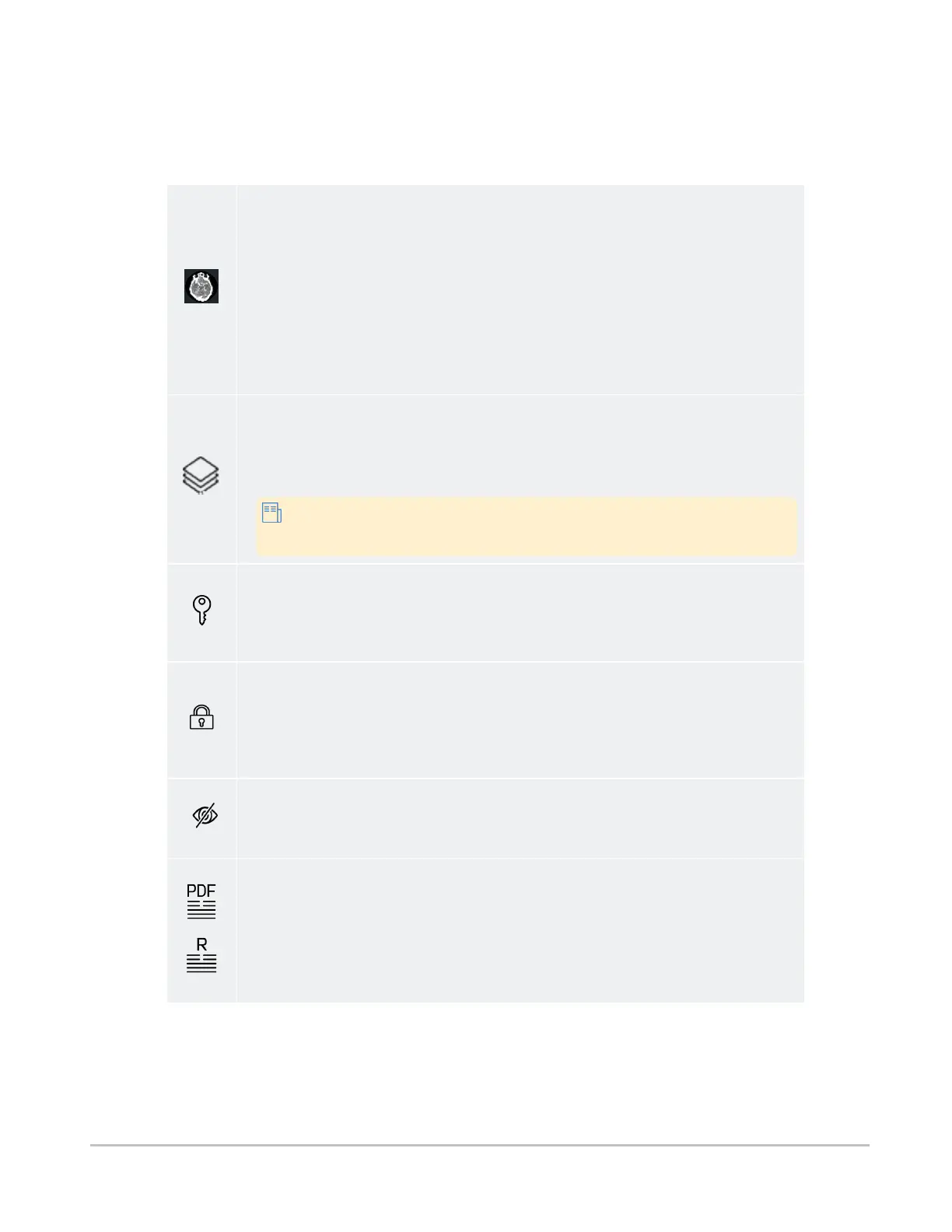
The table below summarizes the types of content that can be included in studies.
Series
Series are how the DICOM model organizes images, based on modality and timestamp.
A series can contain one or more images.
For modalities that contain multi-frame datasets, such as US, XA and NM, the system
administrator may choose to configure the server so that all single-frame images are
grouped into a single series. This makes the study list less overwhelming and easier to
navigate. The series that contains the grouping of single-frame instances will appear at
the bottom of the series list within the study.
In the study's preview, the thumbnail shows a miniature of the first image in the series.
All Images series
A combination of all images in a study, as if it were a single stack. Series of type "All
Images" are best suited for viewing studies that contain multiple single-image series,
such as CR or DR studies, to avoid having to load single images individually.
Any study that contains DICOM images will also contain a special All
Images series.
Key image series
Studies containing key images (images of particular interest) appear in the worklist list
as a large key preview icon. Series that contain key images are marked with small key
symbols beside the series name.
Restricted studies
Restricted studies have a higher level of security, and are only accessible to authorized
users. Depending on your institution's workflow and your permissions level, you may
have direct access to this data, be redirected to an external authorization service, or be
presented with a message instructing you to request access some other way.
Sensitive images
If the selected study contains sensitive images, you will be asked to check your work
environment before accessing it.
Reports
A non-image file that provides information about the patient or the study, for example
notes from the referring physician.
The software supports a number of report formats, such as Basic Text Structured
Reports, encapsulated PDF, native PDF, and FHIR. The thumbnail will give an indication
of the type of report.
Synapse® Mobility User Guide for HTML5 References
Confidential and Proprietary
DOC-0046692-A
62













 To Next Page