DEFAULT PRESETS
The tables below list the default presets. However, system administrators may have configured different
presets for your application.
Default presets in 2D and MIP/MPR view modes
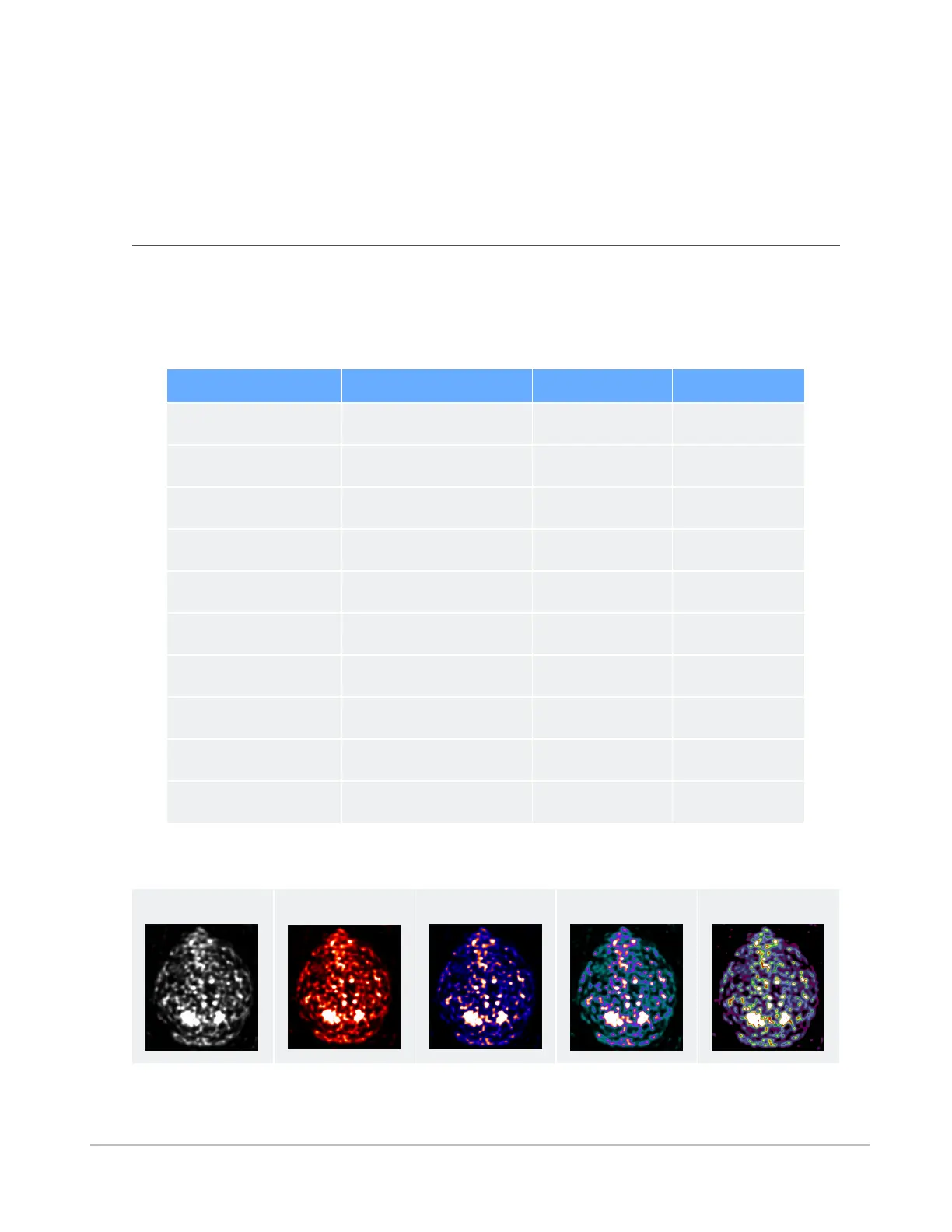
In 2D and MIP/MPR view modes, color palette presets are available for NM and PT modalities, and
window/level presets are available for all other modalities.
Window/Level presets
Keyboard shortcut Preset Window width Window level
1 Body Soft Tissue 350 50
2 Body Lung 1600 (-)500
3 Body Bone 1500 300
4 Body Liver 200 60
5 Head Post Fossa 200 40
6 Head Mid Brain 80 40
7 Head Blood 700 80
8 Head Bone 4000 600
9 Head IAC 3200 250
0 CTA MIP 700 250
Color presets
Grayscale (default)
HotIron
HotMetalBlue
PET PET20Step
Synapse® Mobility User Guide for HTML5 References
Confidential and Proprietary
DOC-0046692-A
67













 To Next Page