USING THE WORKLIST
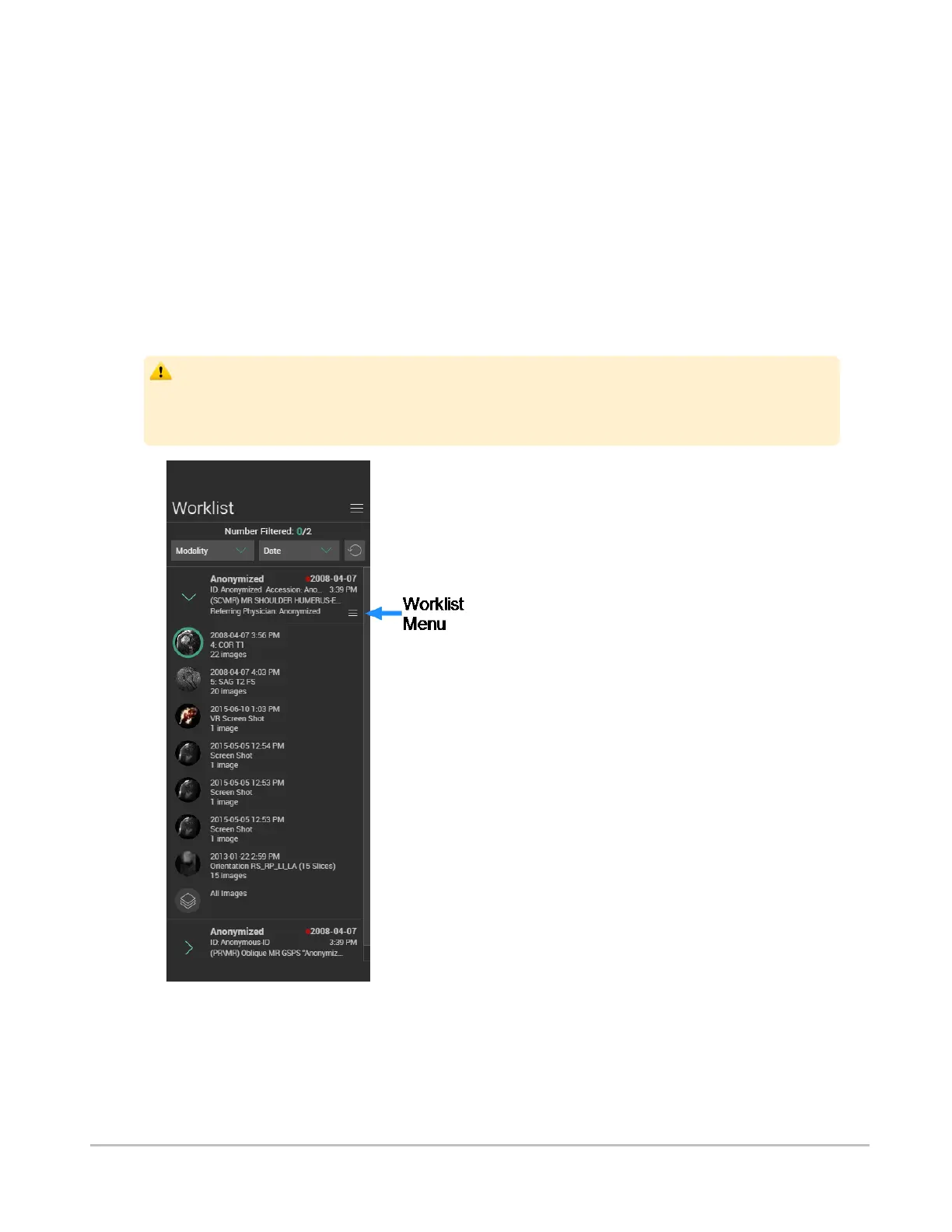
The worklist contains all the studies of interest added from the search panel.
Many of the operations that can be performed from the search results can also be performed from the
worklist, including expanding studies to preview their content, and loading studies directly into the viewer.
See Browsing search results.
You can also apply filters to the list, to quickly pinpoint the images that you want to view, and use the
menus for quick access to other features of the application.
Depending on the size of your screen, the worklist will appear in a pane to the right of the search interface,
or in a separate tab.
When interacting with the worklist, you should be aware that while you are viewing any images
and reports, any real-time updates on image information or availability will not automatically
be seen in your current viewing session. These updates can only be viewed if you perform a
new search and re-access the updated study.
Synapse® Mobility User Guide for HTML5 Search interface
Confidential and Proprietary
DOC-0046692-A
26













 To Next Page