Worklist menus
The worklist contains menus ( ) that provide access to other features. There are two menus:
A global menu at the top, which provides the Close all option, to quickly clear the entire
worklist.
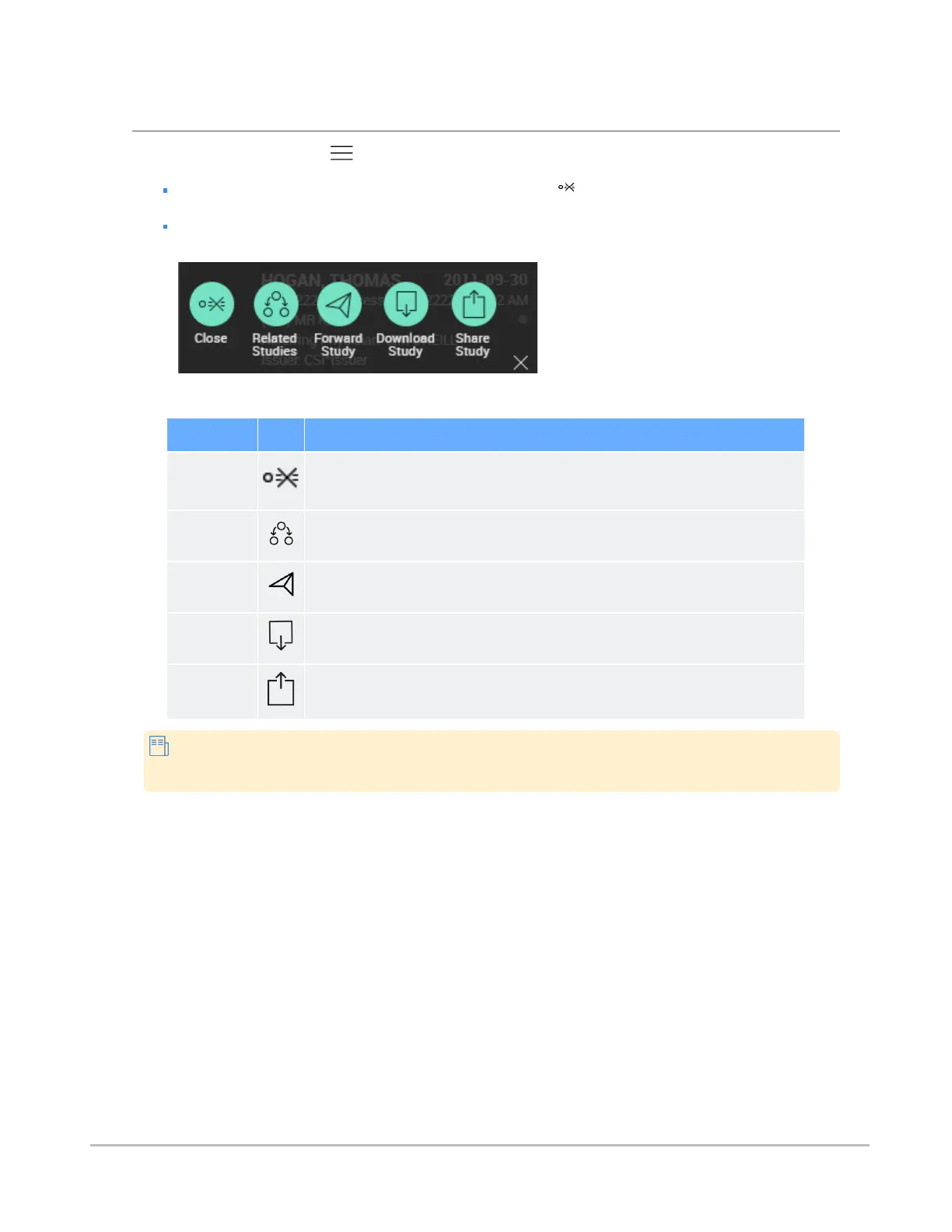
A separate menu beside each individual entry, for operations that apply to that entry only. Some
of these options will only available if they have been enabled by the system administrator.
The table below provides a summary of these entry-specific menu options.
Option Description
Close
Clears that particular entry from the worklist.
Related
Studies
Launches a search for related studies. See Displaying related studies.
Forward
Study
Forwards the study to another institution. See Forwarding studies.
Download
Study
Downloads the study to the local computer. See Downloading studies.
Share Study
Shares the study's information through third-party services, like BEAM or DatCard.
See Sharing studies.
Some of these features, when enabled, are also available from a menu in search results
entries.
Synapse® Mobility User Guide for HTML5 Search interface
Confidential and Proprietary
DOC-0046692-A
28













 To Next Page