To make linear measurements
1. Select the Linear tool.
2. Click the first point on the image and drag to the second endpoint and release the mouse button.
To make ROI measurements
1. Select the ROI tool.
2. Click and drag to draw the ROI.
3. Click and drag the handles at the corners of the ROI to adjust the size and shape of the region.
To make point measurements
1. Select the Point tool.
2. Click on the point you wish to measure.
To make angle measurements
1. Select the Angle tool.
2. Click where you wish to measure.
3. Drag the handles to adjust the angle as required.
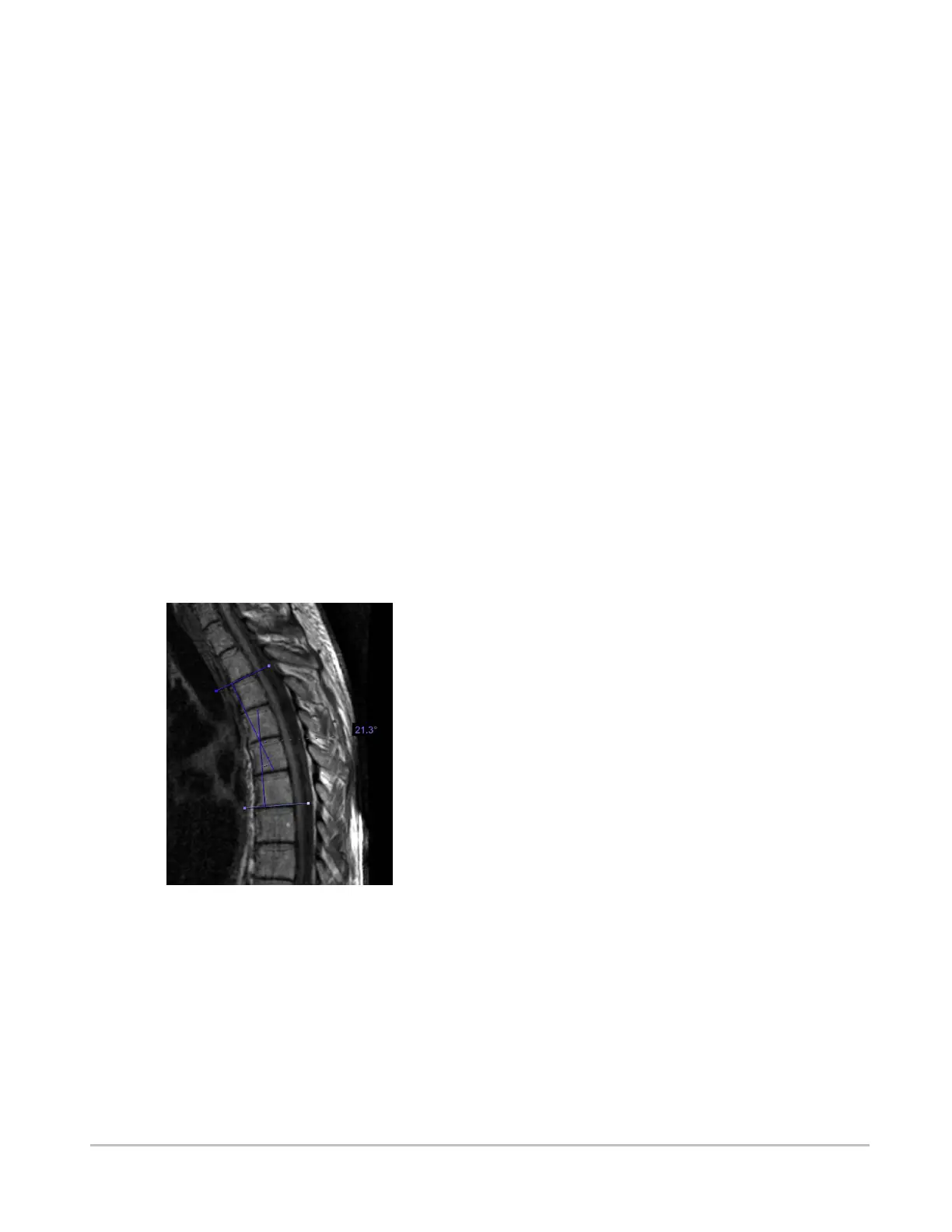
To make Cobb angle measurements
1. Select Cobb from the measurement panel.
2. Click and drag to define the first line.
3. Click and drag to define the second line.
4. Drag the endpoints to adjust the angle as required.
Synapse® Mobility User Guide for HTML5 Viewer
Confidential and Proprietary
DOC-0046692-A
48













 To Next Page