Using the precision loupe
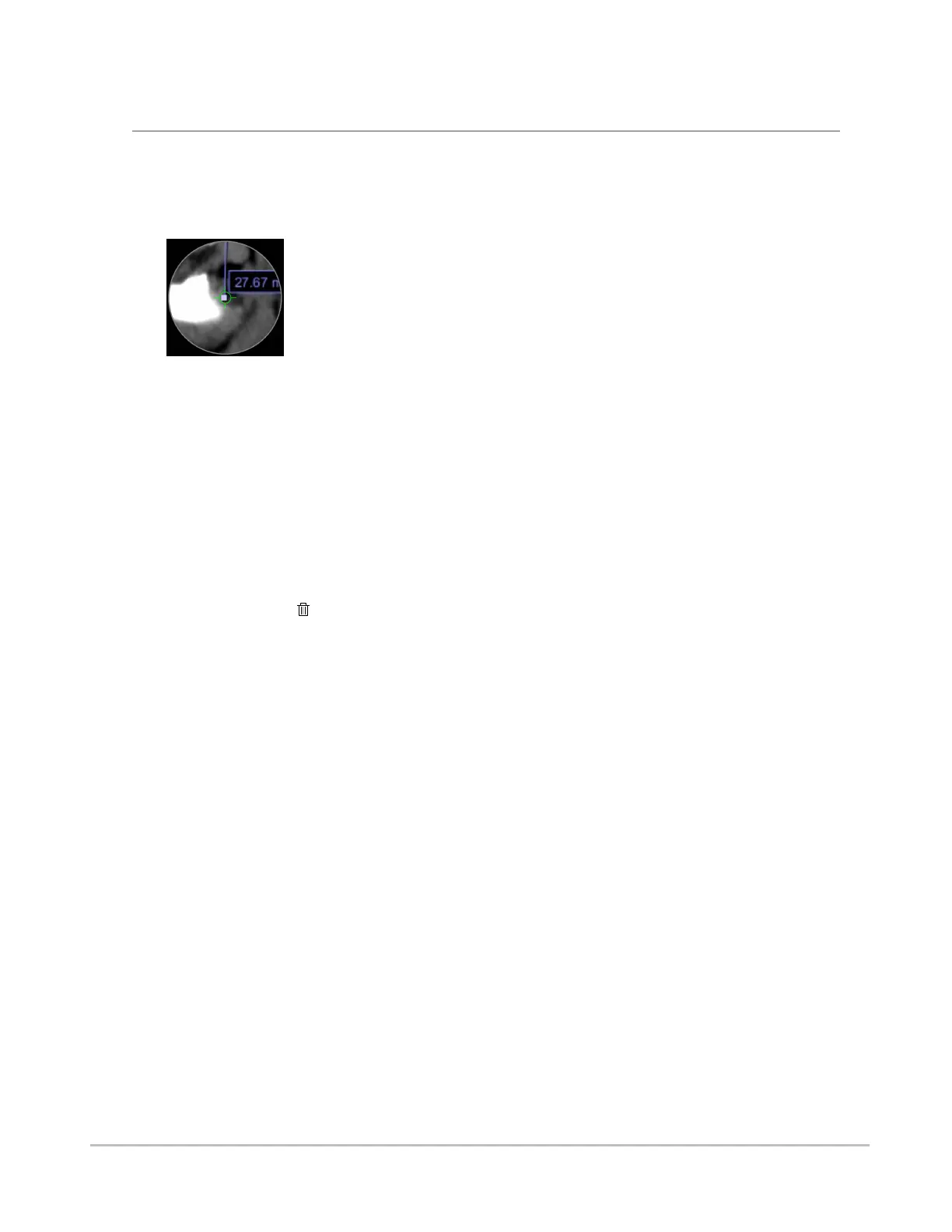
The precision loupe is available on touchscreen devices only. It enables touchscreen device users to
interact with the view with pixel-level precision. When measurement or annotation tools are selected, the
precision loupe appears as a magnification of the region directly under the user’s finger, with a single pixel
centered in the cross-hairs.
You can “click” on the view using the precision loupe to accurately place and select points for adding and
manipulating measurements and annotations.
To “click” using the precision loupe
1. Position the loupe with the cross-hairs centered on the desired pixel.
2. Hold the loupe still for a moment. The cross-hairs will shrink and “click” on the pixel.
To delete an annotation or measurement using the precision loupe
1. Position the loupe with the cross-hairs centered on the annotation or measurement point you
wish to delete.
2. Hold the loupe still for a moment. The cross-hairs will shrink and select the point.
3.
Click the Delete tool.
Synapse® Mobility User Guide for HTML5 Viewer
Confidential and Proprietary
DOC-0046692-A
50













 To Next Page