40
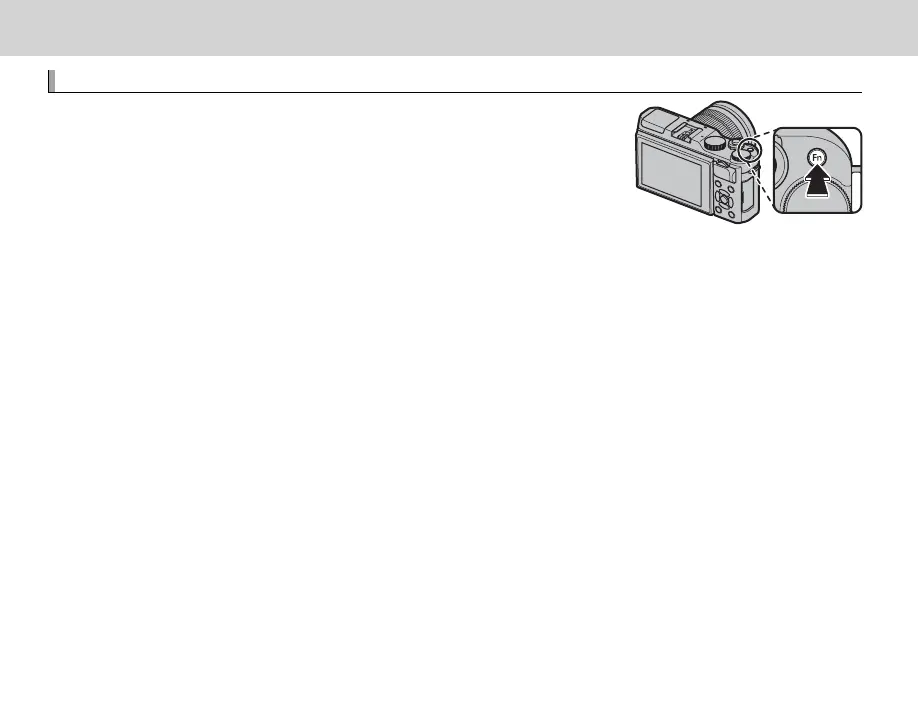
The Fn (Function) Button
Using the Function Button
Using the Function Button
The role played by the Fn button can be selected using the h BUTTON
SETTING> FUNCTION (Fn) SETTING option in the setup menu.
• PREVIEW DEPTH OF FIELD
• ISO
• SELF-TIMER
• IMAGE SIZE
• IMAGE QUALITY
• DYNAMIC RANGE
• FILM SIMULATION
• WHITE BALANCE
• PHOTOMETRY
• TOUCH ZOOM
• AE-LOCK
• AF-LOCK
• AE/AF LOCK
• INSTANT AF
• AF MODE
• FOCUS AREA
• FLASH MODE
• FLASH COMPENSATION
• MOVIE
• FACE/EYE DETECTION SETTING
• RAW
• WIRELESS COMMUNICATION
• SHUTTER TYPE
• PREVIEW EXP. IN MANUAL MODE
• PREVIEW PIC. EFFECT
• NONE
R To disable the selected button, choose NONE.
R The F FUNCTION (Fn) SETTING menu can also be displayed by pressing and holding the Fn or DISP/BACK
button.



 To Next Page