42
Shooting Mode
S
ADVANCED SR AUTO
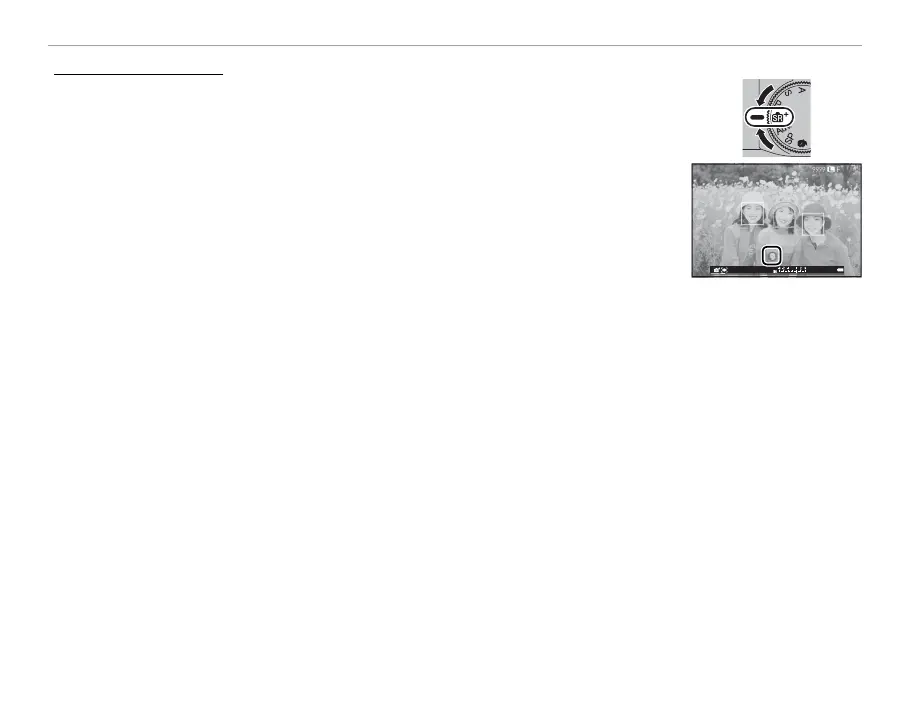
When the mode dial is rotated to S, the camera automatically optimizes set-
tings to suit the scene.
The scene is shown by an icon in the display.
• a (c) AUTO
• d (a) PORTRAIT
• c (cc) LANDSCAPE
• d (cd) NIGHT
• e (ce) MACRO
• dd (ad) NIGHT PORTRAIT
• g (b) BACKLIT PORTRAIT
R The scenes in parentheses are selected if the camera detects that the subject is moving.
Q The mode selected may vary with shooting conditions. If the mode and subject do not match, select mode P
or choose SP (P 48) and select a scene manually.



 To Next Page