48
Shooting Mode
SP
SCENE POSITION /
h
/
M
/
N
/
O
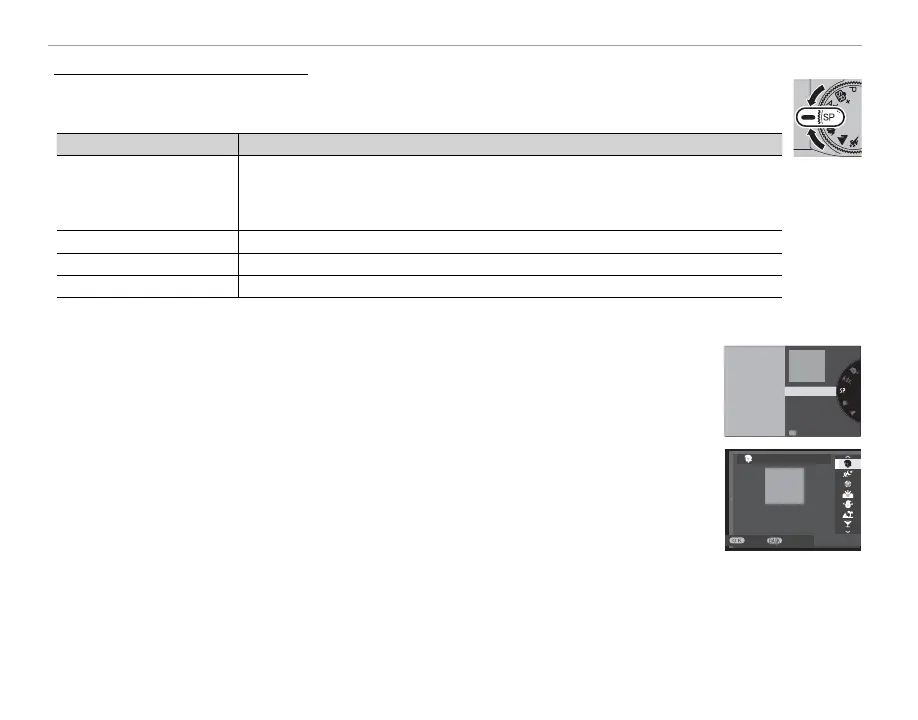
The camera o ers a choice of “scenes,” each adapted to particular shooting conditions or a
speci c type of subject. The following scenes can be selected directly using the mode dial:
Scene
Description
h
PORTRAIT ENHANCER (
Z
)
Choose for a smooth skin e ect when shooting portraits.
R If ON is selected for K TOUCH SCREEN SETTING, you can choose the
portrait enhancement level using touch controls (P 24).
M
LANDSCAPE
Choose for daylight shots of buildings and landscapes.
N
SPORT
Choose when photographing moving subjects.
O
NIGHT
Choose for poorly lit twilight or night scenes.
Other scenes can be selected by rotating the mode dial to SP and following the steps below.
1
Press MENU/OK while the mode description is displayed.
R If the view through the lens is displayed in the LCD monitor, press MENU/OK and select
A SCENE POSITION in the shooting menu.
PORTRAIT
Portrait with soft
overall tone and
beautiful skin tones
ANOTHER SCENE
2
Highlight one of the following options and press MENU/OK.
PORTRAIT
CANCEL
SET
Portrait with soft
overall tone and
beautiful skin tones



 To Next Page