92
6
The Shooting Menus
H
IMAGE QUALITY SETTING
Adjust image quality settings.
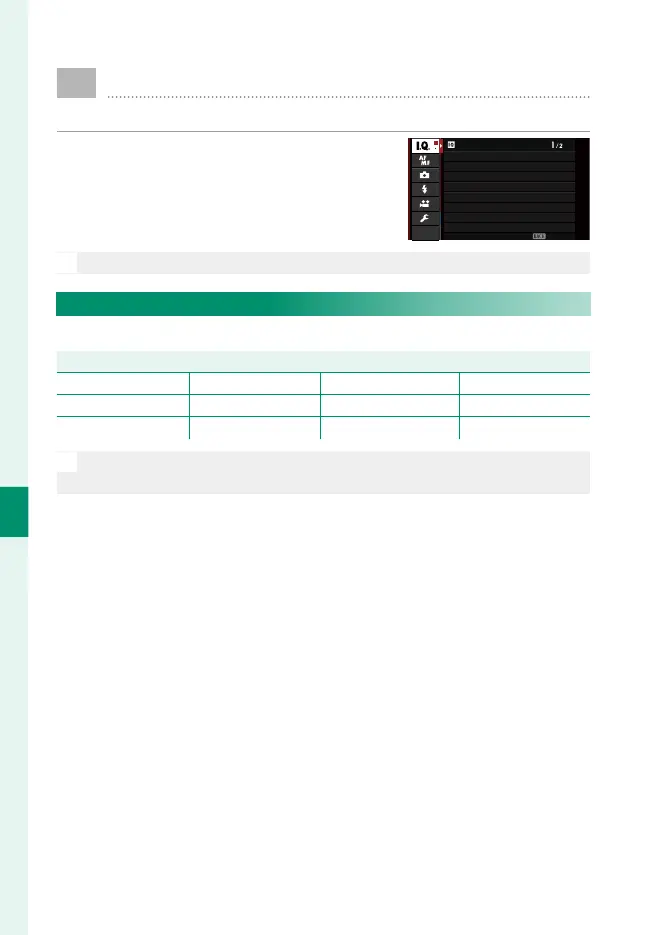
To display image quality settings, press
MENU/OK in the shooting display and se-
lect the H (IMAGE QUALITY SETTING)
tab.
IMAGE QUALITY SETTING
EXIT
IMAGE QUALITY
FILM SIMULATION
PORTRAIT ENHANCER LV
BRIGHT MODE
DYNAMIC RANGE
WHITE BALANCE
HIGHLIGHT TONE
IMAGE SIZE
N
The options available vary with the shooting mode selected.
IMAGE SIZE
Choose the size and aspect ratio at which still pictures are recorded.
Option (Image size)
O 4 : 3 (5328 × 4000) O 3 : 2 (6000 × 4000) O 16 : 9 (6000 × 3376) O 1 : 1 (4000 × 4000)
P 4 : 3 (3712 × 2784) P 3 : 2 (4240 × 2832) P 16 : 9 (4240 × 2384) P 1 : 1 (2832 × 2832)
Q 4 : 3 (2656 × 1992) Q 3 : 2 (3008 × 2000) Q 16 : 9 (3008 × 1688) Q 1 : 1 (2000 × 2000)
N
IMAGE SIZE is not reset when the camera is turned o or another
shooting mode is selected.



 To Next Page