28
2
First Steps
Turning the Camera On and O
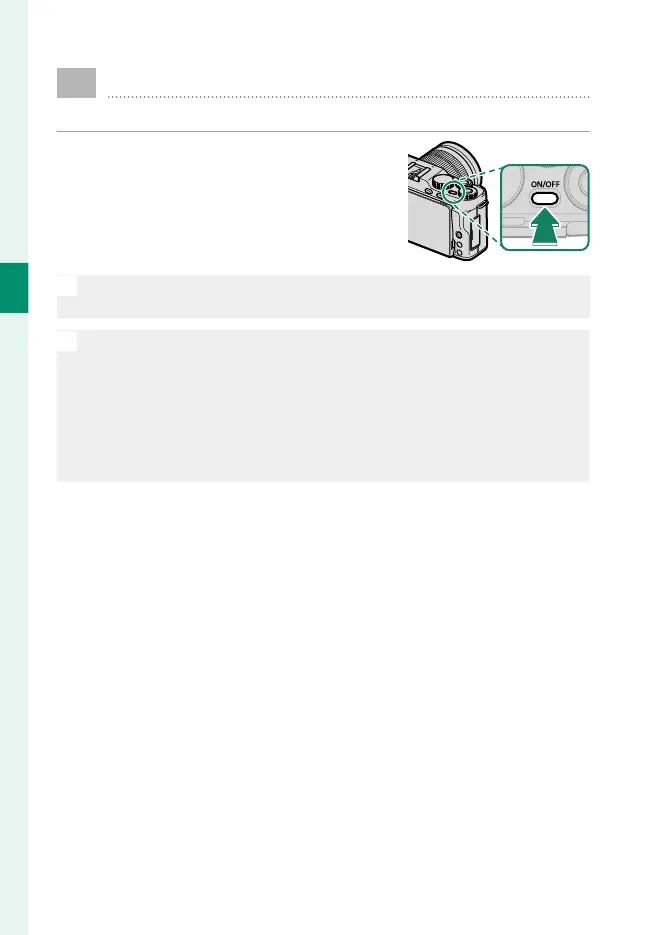
Use the ON/OFF button to turn the camera on and o .
Press the ON/OFF button once to turn the
camera on and again to turn it o .
O
Fingerprints and other marks on the lens can a ect pictures and the
view through the lens in the camera display. Keep the lens clean.
N
•
Pressing the a button during shooting starts playback.
•
Press the shutter button halfway to return to shooting mode.
•
The camera will turn o automatically if no operations are performed
for the length of time selected for D POWER MANAGEMENT>
AUTO POWER OFF. To reactivate the camera and return to shooting
mode after the camera has turned o automatically, press the shutter
button halfway or press the ON/OFF button.



 To Next Page