29
2
First Steps
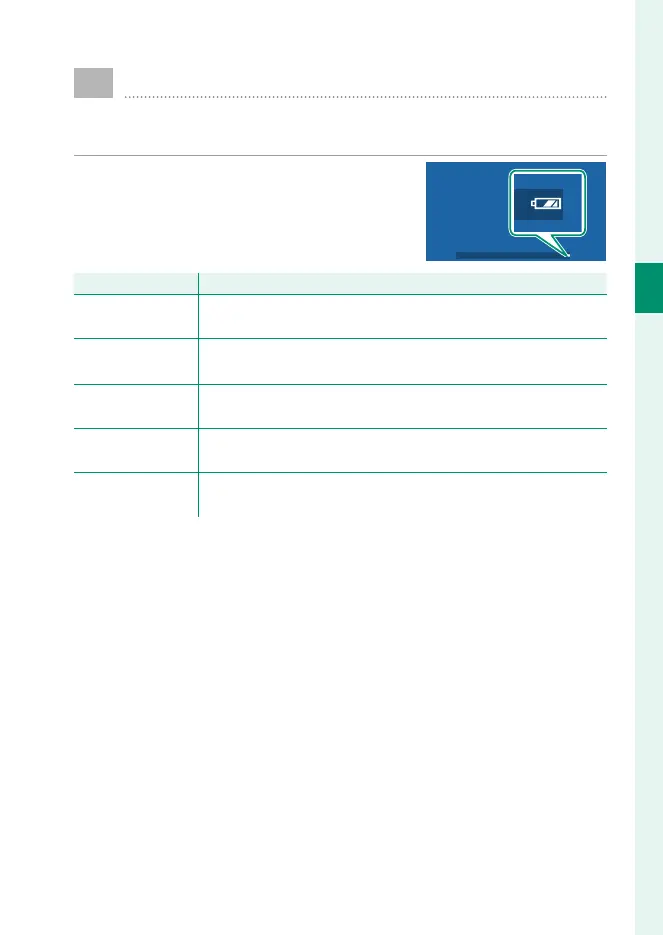
Checking the Battery Level
After turning the camera on, check the battery level in the
display.
Battery level is shown as follows:
Indicator
Description
O
(white)
Battery partially discharged.
M
(white)
Battery about two-thirds charged.
K
(white)
Battery about one-third charged. Charge as soon as possible.
J
(red)
Low battery. Charge battery.
A
(blinks red)
Battery exhausted. Turn camera off and recharge battery.



 To Next Page