77
5
Taking Photographs
White Balance
Custom White Balance
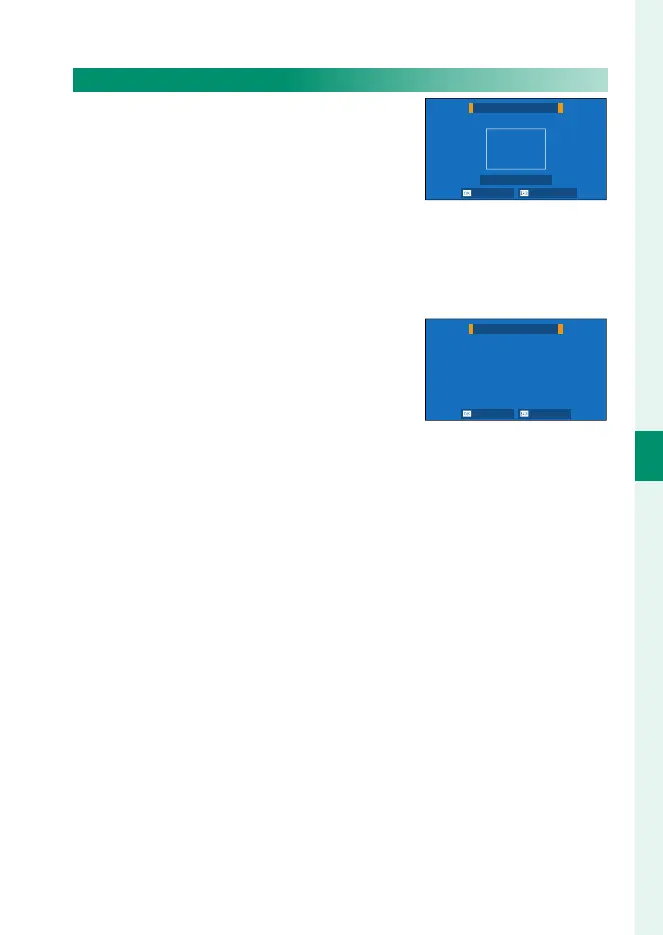
Choose h to adjust white balance for
unusual lighting conditions. White bal-
ance measurement options will be dis-
played; frame a white object so that it lls
the display and press the shutter button
all the way down to measure white balance (to select the most
recent custom value and exit without measuring white balance,
press DISP/BACK, or press MENU/OK to select the most recent value
and display the ne-tuning dialog).
•
If “COMPLETED !” is displayed, press MENU/OK
to set white balance to the measured
value.
•
If “UNDER” is displayed, raise exposure
compensation and try again.
•
If “OVER” is displayed, lower exposure compensation and try again.
CUSTOM WB
SHUTTER : NEW WB
SHIFT NOT CHANGE
COMPLETED !
SET CANCEL



 To Next Page