111
6
The Shooting Menus
SHOOTING SETTING
INTERVAL TIMER SHOOTING
Con gure the camera to take photos automatically at a preset
interval. If desired, frames shot using interval timer shooting can
be joined to form a time-lapse movie.
1
Highlight A SHOOTING SETTING> INTERVAL TIMER
SHOOTING in the shooting menu and press MENU/OK.
2
Use the focus stick (focus lever) to
choose the interval and number of
shots. Press MENU/OK to proceed.
INTERVAL NUMBER OF TIMES
INTERVAL/NUMBER OF TIMES
3
Highlight one of the following re-
cording types and press MENU/OK.
•
STILL: Each photo is recorded sep-
arately.
•
STILL + TIME-LAPSE MOVIE: Each
photo is recorded separately; in
addition, the entire sequence is re-
corded as a time-lapse movie.
SETTING
STILL
STILL+TIME-LAPSE MOVIE
N
The frame size and rate for the time-lapse movie can be selected
using TIME-LAPSE MOVIE MODE before shooting begins.
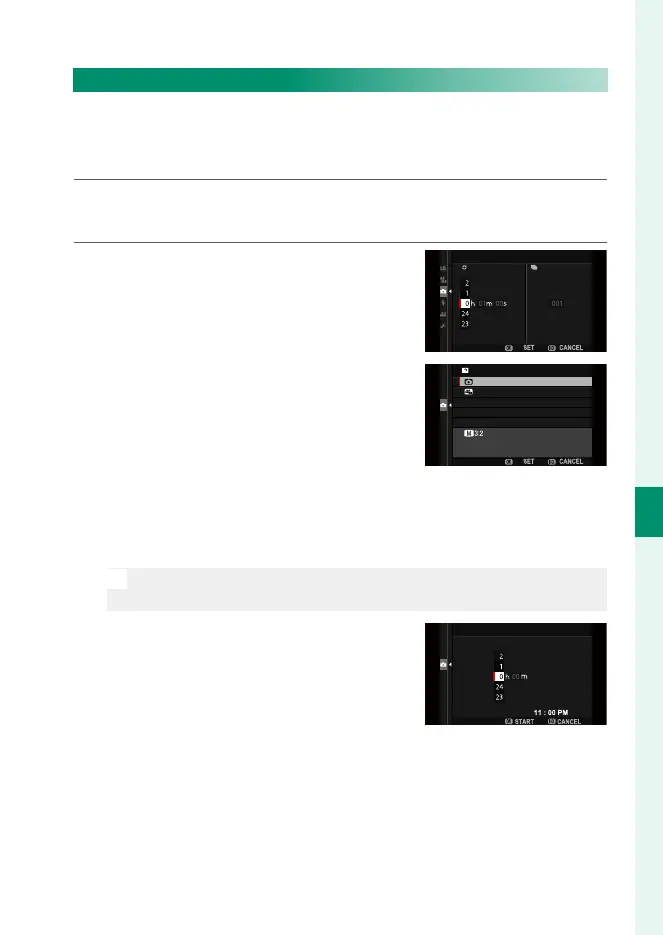
4
Use the focus stick to choose the
starting time and then press MENU/OK.
LATER
START WAITING TIME
ESTIMATED START TIME



 To Next Page