15
1
Before You Begin
Touch Screen Mode
The camera’s LCD monitor can be used as a touch screen.
Shooting Touch Controls
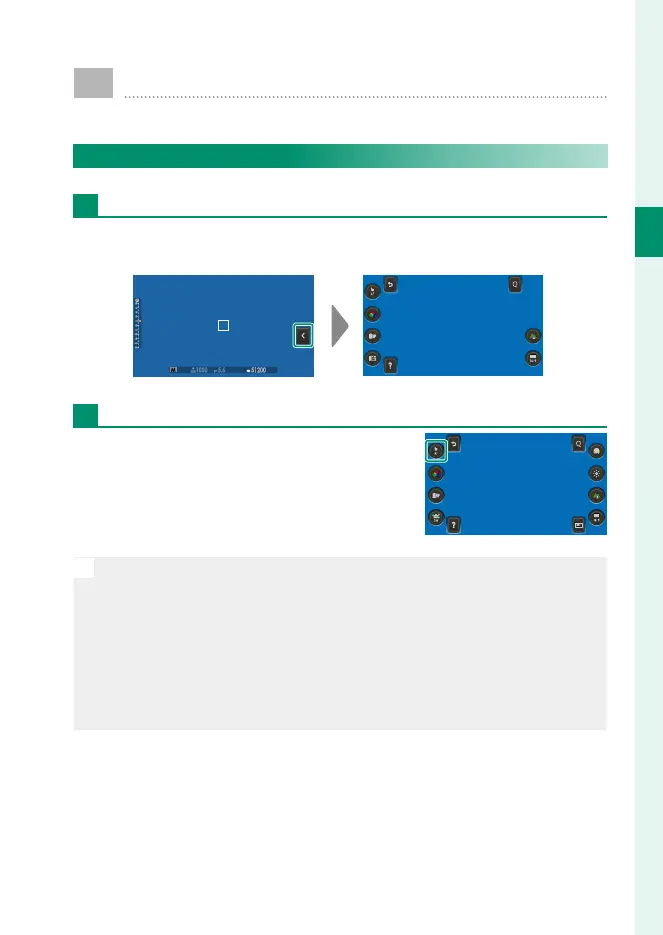
The Touch Menu
Shooting settings can be adjusted in the touch menu, which can
be viewed by tapping the touch menu button.
Touch Photography
Touch controls can be used for such
operations as choosing the focus area
and taking photographs. Tap the touch
screen mode icon to choose a touch
screen mode.
N
•
To disable touch controls and hide the touch screen mode indicator,
select OFF for D BUTTON SETTING> TOUCH SCREEN SETTING>
x TOUCH SCREEN SETTING.
•
When ON is selected for D BUTTON SETTING> TOUCH SCREEN
SETTING> x DOUBLE TAP SETTING, you can zoom in by tapping
the monitor twice.
•
Touch control settings can be adjusted using G AF/MF SETTING>
TOUCH SCREEN MODE.



 To Next Page