16
1
Before You Begin
Still Photography
Mode
Description
TOUCH
SHOOTING
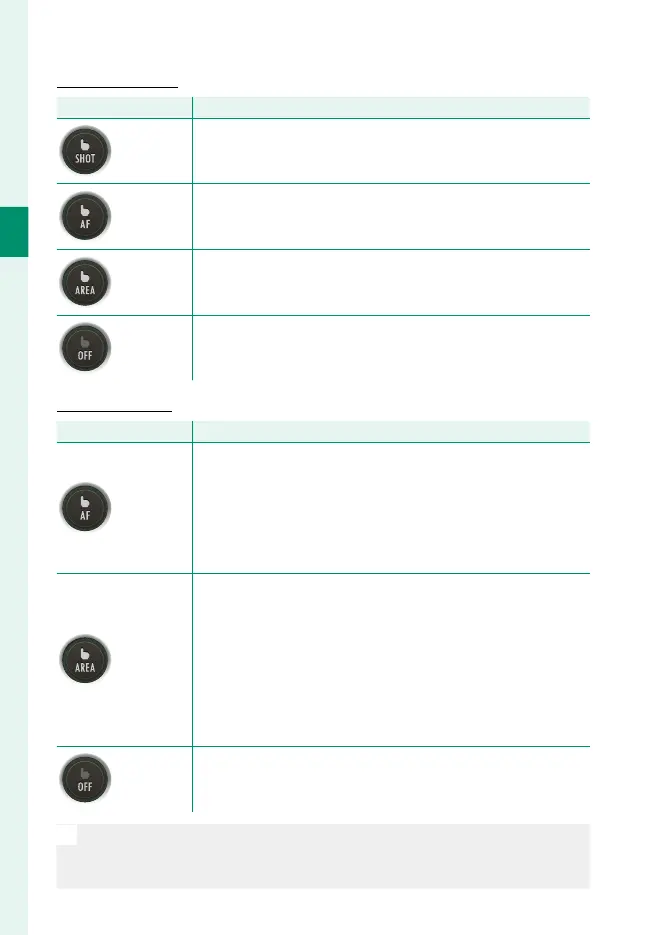
Tap your subject in the display to focus and release the shut-
ter. In burst mode, pictures will be taken while you keep your
fi nger on the display.
AF
Tap to select a focus point and lock focus. The shutter can be
released by pressing the shutter button all the way down.
AREA
Tap to select a point for focus or zoom. The focus frame will
move to the selected point.
OFF
Touch controls off .
Movie Recording
Mode
Description
AF
•
SINGLE AF selected for B MOVIE SETTING>
F FOCUS MODE: Tap your subject in the display to focus.
•
CONTINUOUS AF selected for B MOVIE SETTING>
F FOCUS MODE
: The camera continually adjusts focus
in response to changes in the distance to the subject in the
selected focus point.
AREA
•
SINGLE AF selected for B MOVIE SETTING>
F FOCUS MODE
: Tap to select the focus point. The cam-
era will focus on the subject in the selected point when
the shutter button is pressed halfway.
•
CONTINUOUS AF selected for B MOVIE SETTING>
F FOCUS MODE
: The camera continually adjusts focus
in response to changes in the distance to the subject in the
selected focus point.
OFF
Touch controls off .
N
We recommend that you select AREA for B MOVIE SETTING> MOVIE
AF MODE before recording movies using touch controls. In some
touch-screen modes, AREA will be selected automatically.



 To Next Page