31
2
First Steps
Basic Setup
4
Check the time.
When pairing is complete, you will
be prompted to set the camera clock
to the time reported by the smart-
phone or tablet. Check that the time
is correct.
N
To set the clock manually, press
DISP/BACK (P 32).
SET CANCEL
2019.1.1 12 : 00 PM
SET DATE/TIME FROM SMARTPHONE?
Phone-0123
PAIRING COMPLETE
PAIRING REGISTRATION
5
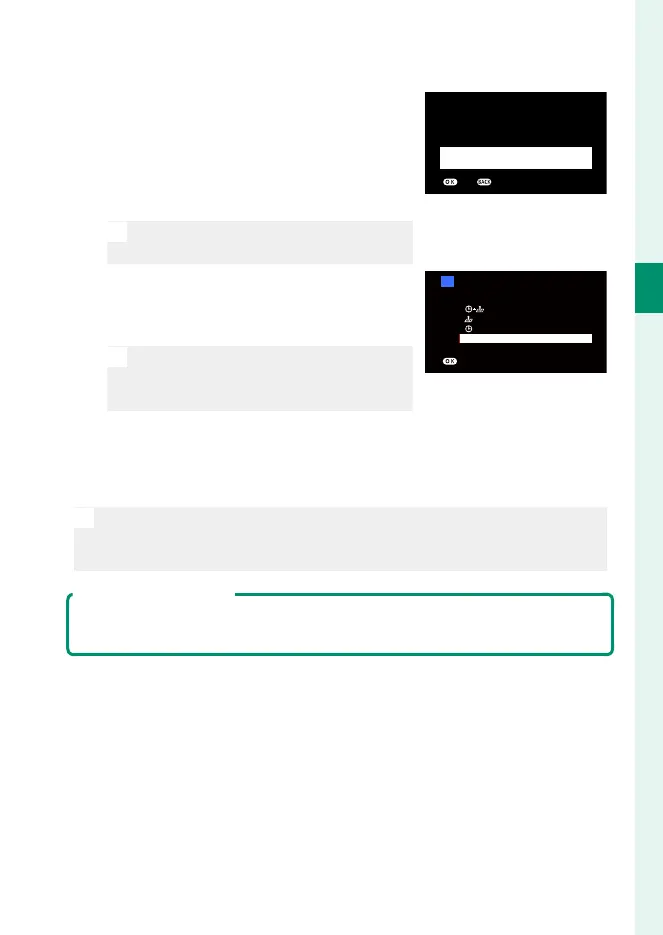
Synchronize the camera settings with
the settings confi gured on your smart-
phone or tablet.
N
The option selected can be changed
at any time using D CONNECTION
SETTING> Bluetooth SETTINGS.
SMARTPHONE SYNC. SETTING
LOCATION&TIME
LOCATION
TIME
START MENU
SET
OFF
6
Set the clock.
Press MENU/OK to set the camera clock to the time reported by
the smartphone or tablet and exit to shooting mode.
N
If the battery is removed for an extended period, the camera clock will
be reset and the language-selection dialog will be displayed when the
camera is turned on.
Skipping the Current Step
If you skip a step, a con rmation dialog will be displayed; select NO to avoid
repeating any steps you skipped the next time the camera is turned on.



 To Next Page