35
3
Basic Photography and Playback
Taking Photographs
3
Frame the picture.
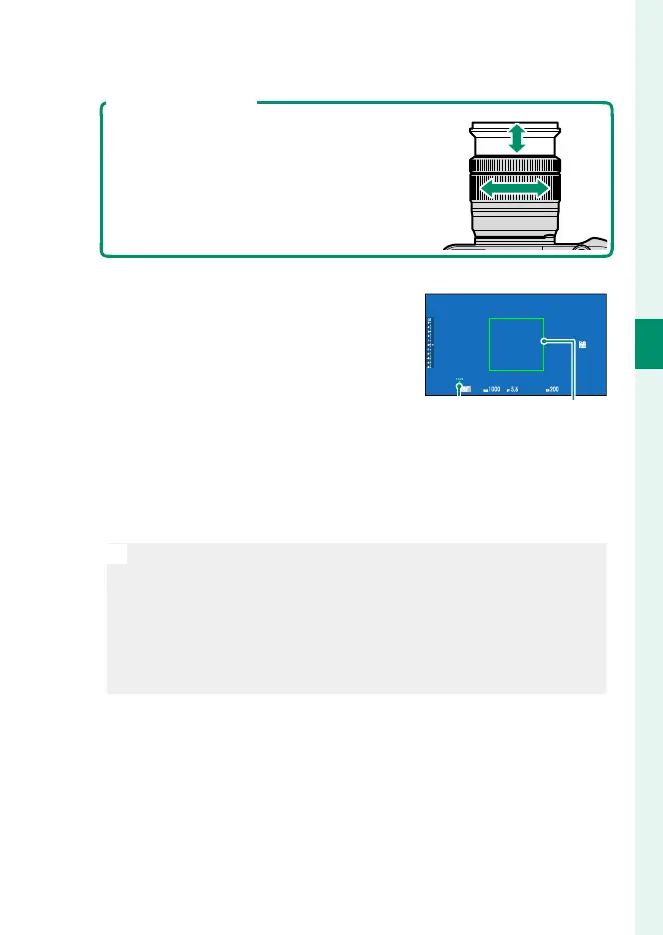
Lenses with Zoom Rings
Use the zoom ring to frame the picture in
the display. Rotate the ring left to zoom
out, right to zoom in.
4
Focus.
Press the shutter button halfway to
focus.
AUTO
Focus
indicator
Focus frame
•
If the camera is able to focus, it will beep twice and focus frame
and focus indicator will glow green.
•
If the camera is unable to focus, the focus frame will turn red, s
will be displayed, and the focus indicator will blink white.
N
•
If the subject is poorly lit, the AF-assist illuminator may light to
assist the focus operation.
•
Focus and exposure will lock when the shutter button is pressed
halfway. Focus and exposure remain locked while the button is
kept in this position (AF/AE lock).
•
The camera will focus on subjects at any distance in the macro
and standard focus ranges for the lens.
5
Shoot.
Smoothly press the shutter button the rest of the way down
to take the picture.



 To Next Page