15
Getting Started
arrows U
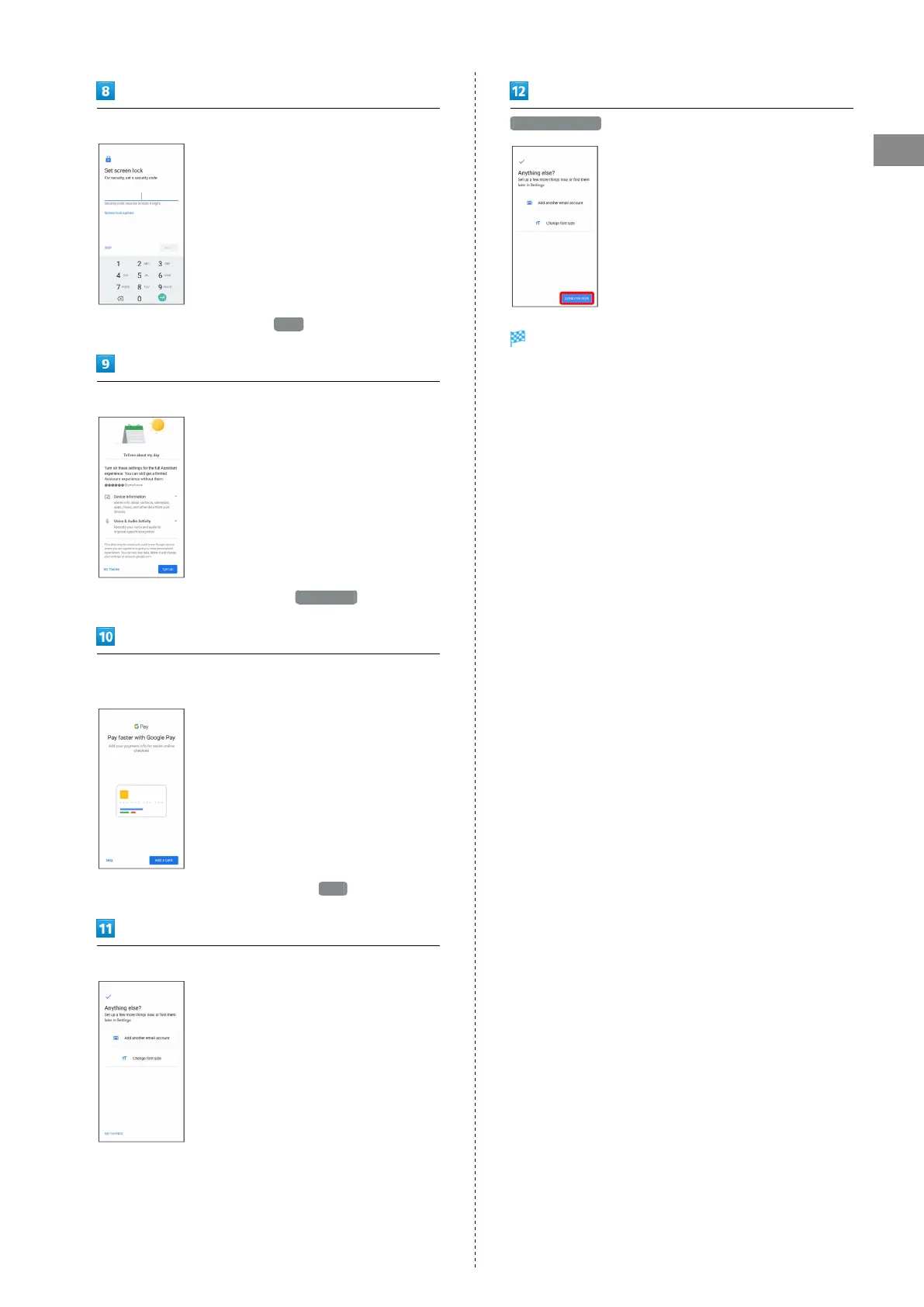
Follow onscreen instructions to set screen lock
・
To not set a screen lock, Tap SKIP .
Follow onscreen instructions to set Google Assistant
・
To not set Google Assistant, Tap No Thanks .
Follow onscreen instructions to add Google Pay™ payment
information
・
To not add payment information, Tap Skip .
Select other items to set, and follow onscreen instructions
DONE FOR NOW
Settings are complete.
・If confirmation appears, follow onscreen instructions.



 To Next Page