22
Basic Operation
Selecting Options and Navigating
Screens
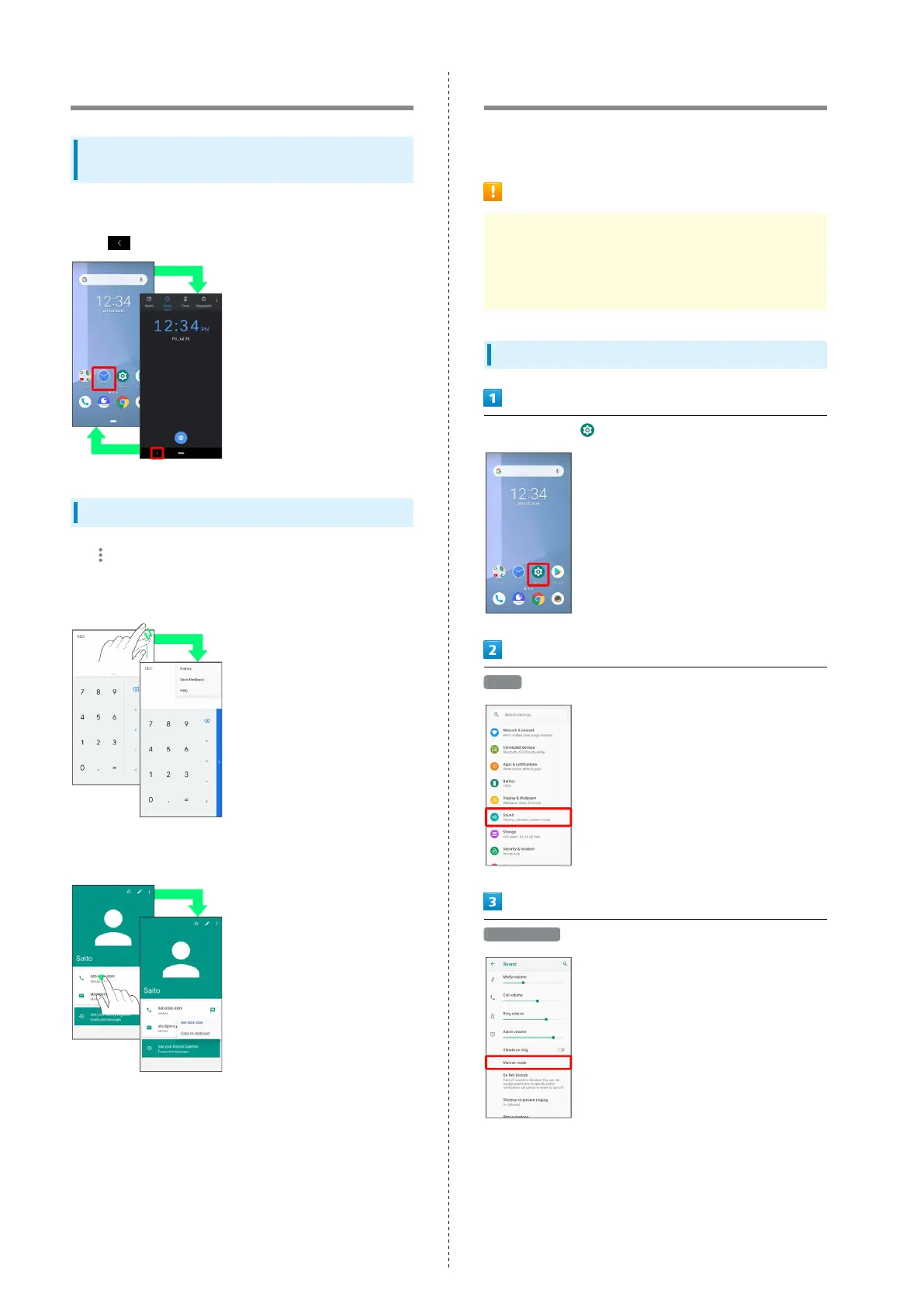
Tap items, icons, onscreen keys, etc. to open assigned items.
・
Tap to go back to previous screen.
Menu Operations
Tap for available settings and items.
・Screen content may differ and may not be usable with some
applications.
Screens may also have settings and items that are available by
Touching & Holding Display.
Manner Mode
Mute ringtones and other handset sounds to avoid disturbing
others around you.
Manner Mode Cautions
Shutter sound when shooting still images, video recording
tones, alarms, etc. still play even in Manner mode.
・Use "Do Not Disturb" to mute alarms. See "Sound
Settings" for details.
Using Manner Mode
In Home Screen, (Settings)
Sound
Manner mode



 To Next Page