14
Making Initial Settings
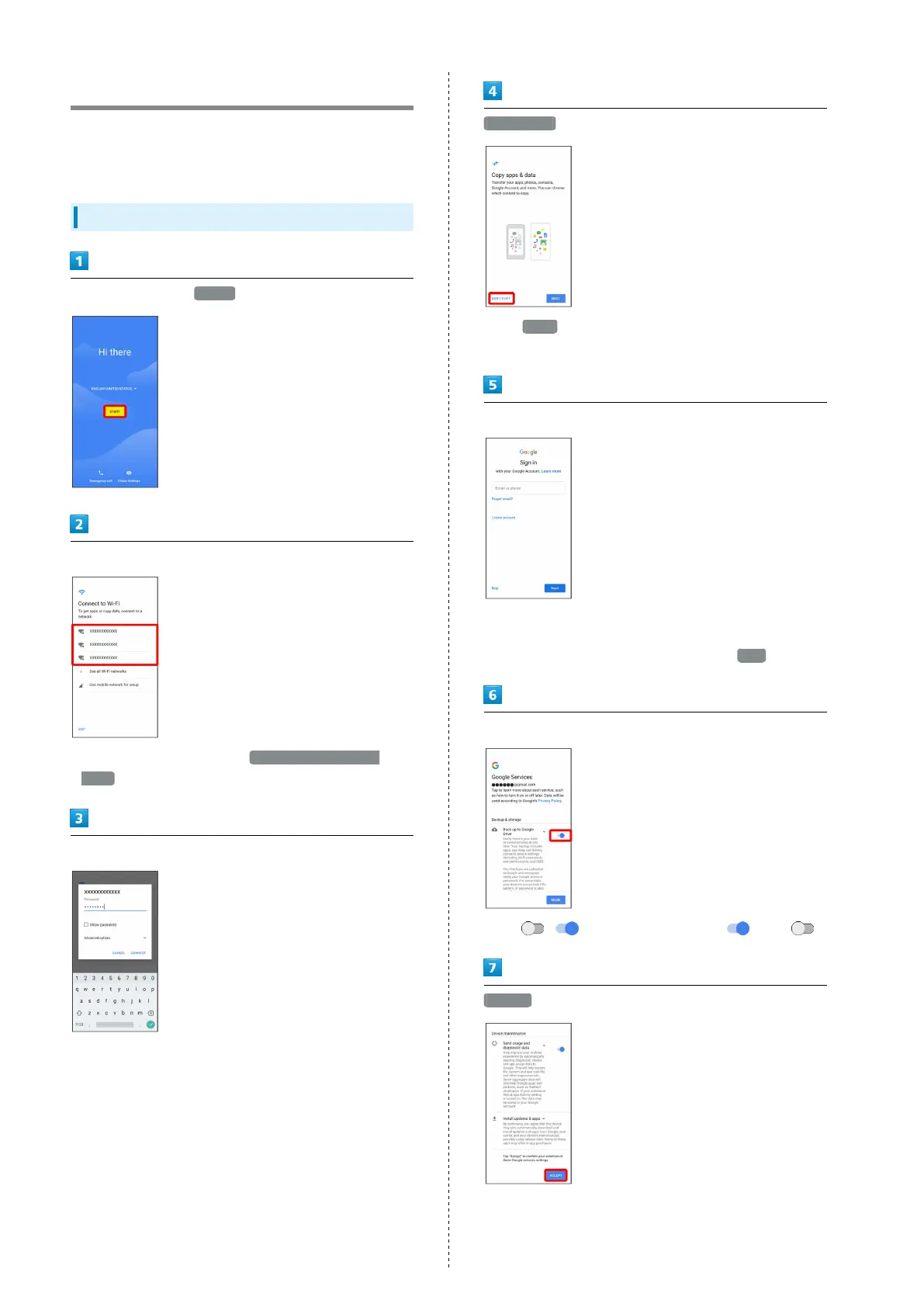
When powering on the first time, an initial settings wizard
appears for optionally making Wi-Fi, Google™ account, and
other settings. Follow onscreen instructions to set items.
Making Initial Settings
Select language then START
Tap Wi-Fi network to connect to
・
To skip Wi-Fi settings, select Use mobile network for
setup . Continue by following onscreen instructions.
Select Wi-Fi network to connect to
DON'T COPY
・
Tap NEXT to copy data from another mobile with Google
account settings. Follow onscreen instructions.
Follow onscreen instructions to set up a Google account
・For details on Google accounts, see "Creating a Google
Account."
・
If not making Google account settings, Tap Skip .
In Google services settings, set services to use
・
Tap / for service to toggle on ( )/ off( ).
ACCEPT



 To Next Page