19
Getting Started
arrows U
Unlocking Screen
Screen Lock
After a period of inactivity, Display turns off to save battery
power (screen lock active). Screen lock prevents accidental
Touchscreen operation.
・To activate screen lock manually, Press Power Key when
Display is turned on.
If Screen Lock Activates while Playing
Music
Music continues to play. For operation, Press Power Key to
open lock screen and use operation panel (operations may
vary depending on application).
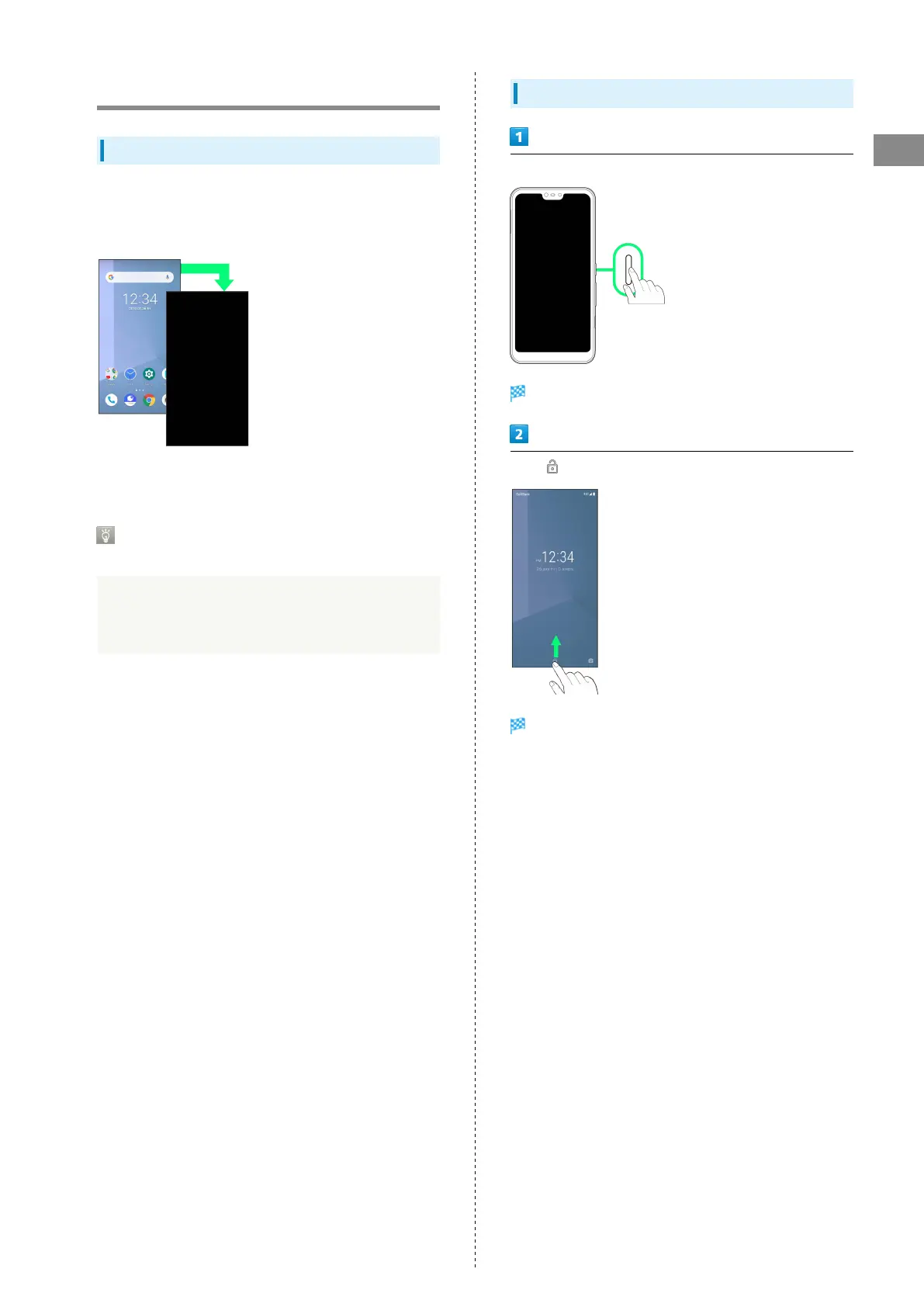
Unlocking Screen
When screen is locked, Power Key
Lock screen appears.
Flick up
Screen is unlocked.
・The method for unlocking the screen can be changed. See
"Security & Location Settings" for the unlock method.



 To Next Page