39
Phone
arrows U
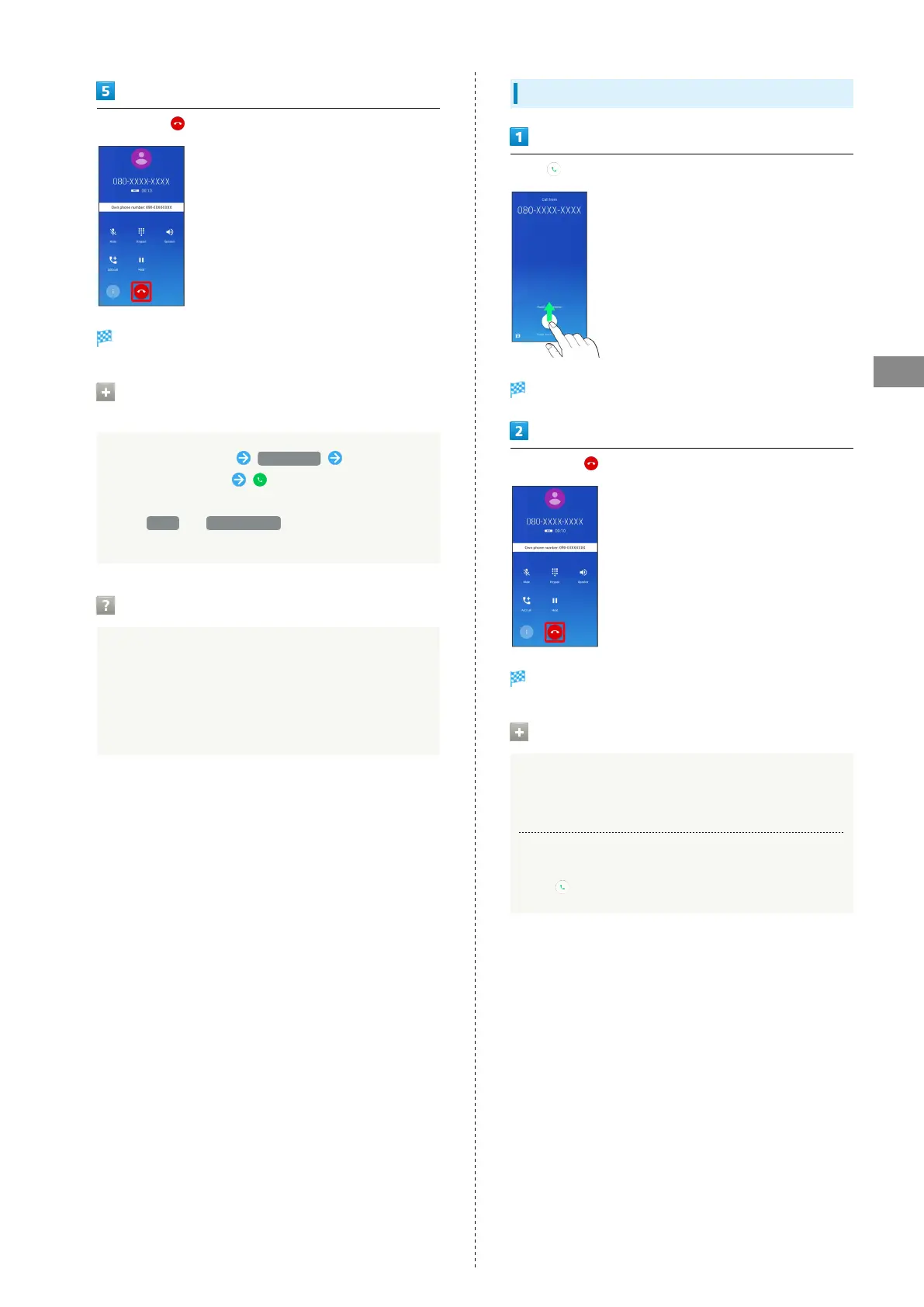
To end call,
Call ends.
Calling the Emergency Number When the
Phone's Screen is Locked
In lock screen, Flick up Emergency Enter number
for emergency service
・Available if Security unlock preference is setting other
than None or Touch/Swipe . See "Security & Location
Settings" for details on unlocking screen.
Hints
Q. Call does not connect
A. Was the number dialed using the area code? Dial the
number starting with "0."
A. Are signal conditions poor? Call again after moving
where signal is good.
Answering Calls
Flick up when call is arriving
Call begins.
To end call,
Call ends.
Main Arriving Call Operations
Cancelling Ringtone
Press Volume Up/ Volume Down Key when call is arriving
Rejecting Arriving Calls
Flick down when call is arriving



 To Next Page