65
Application Basics
arrows U
Updating Applications
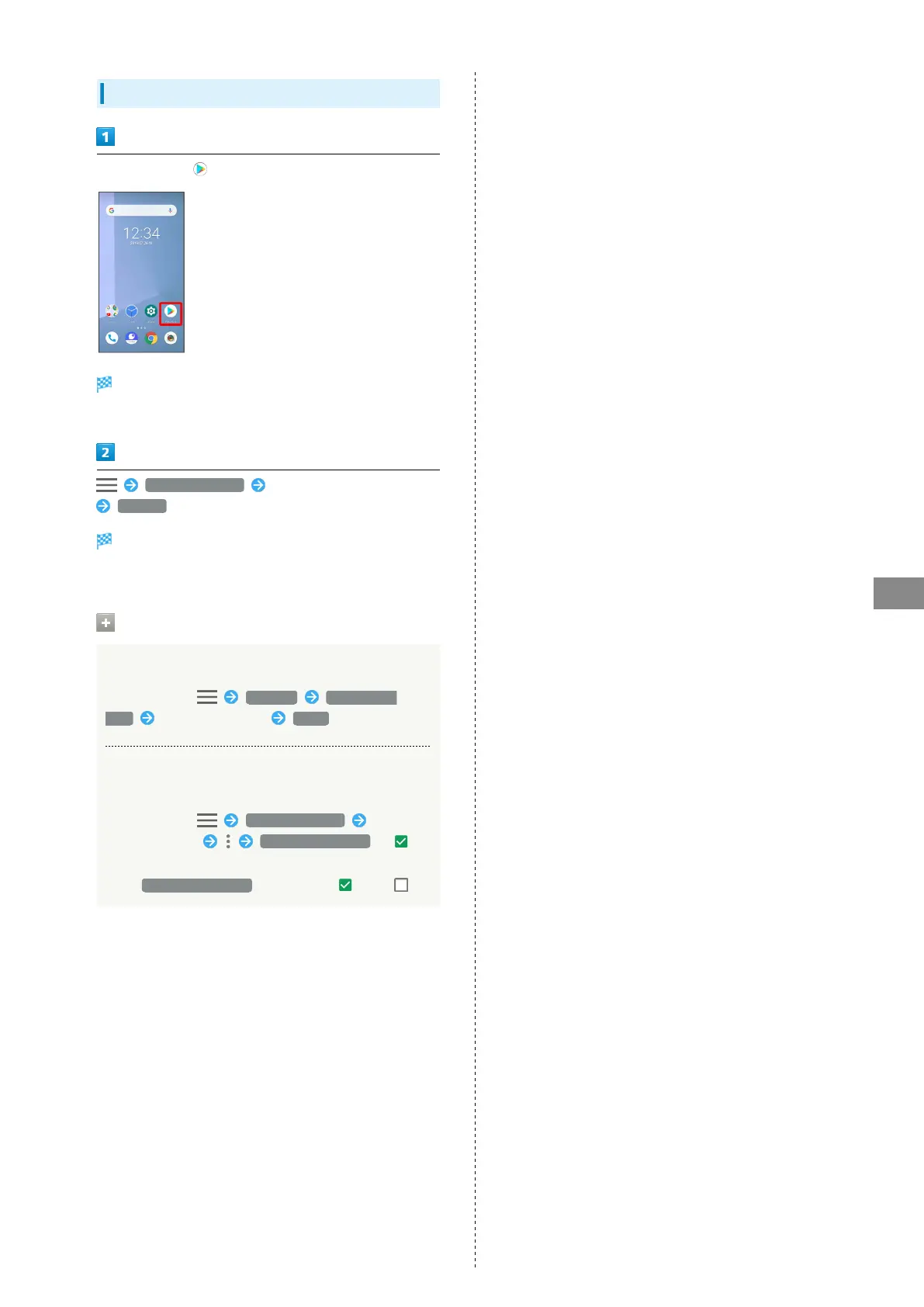
In Home Screen, (Play Store)
Google Play appears.
・If confirmation appears, follow onscreen instructions.
My apps & games Tap application to update
UPDATE
The application is downloaded and installed.
・If confirmation appears, follow onscreen instructions.
Setting Application Updates
Setting Automatic Application Updates
In Google Play, Settings Auto-update
apps Set update method DONE
Setting Automatic Updates for Individual
Applications
In Google Play, My apps & games Tap
application name Enable auto update ( )
・Automatic updates are unavailable for some applications.
・
Tap Enable auto update to toggle on ( )/off ( ).



 To Next Page