Operation
Adjusting the brightness and contrast
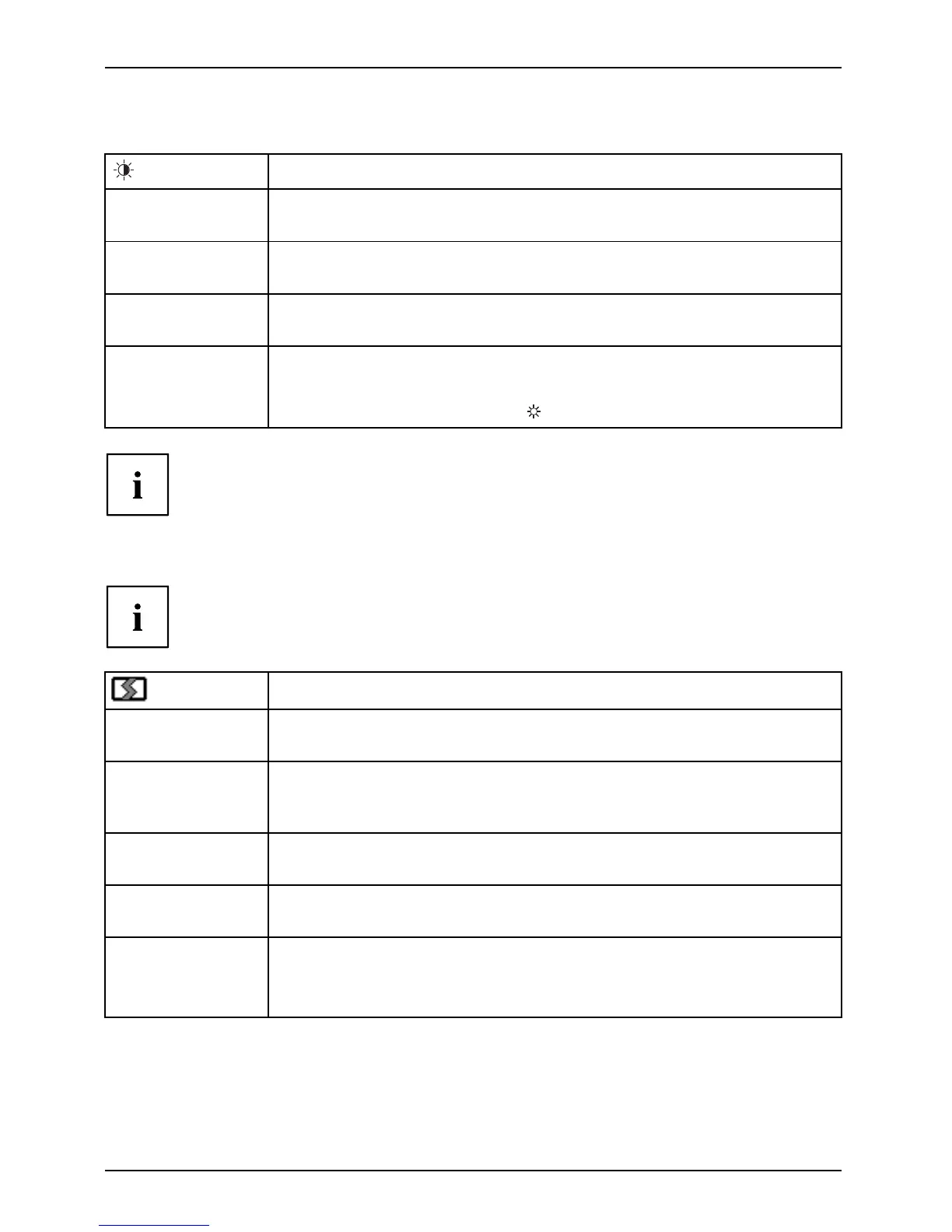
Call up the Brightness/Contrast setting window
Brightness
Set the brightness of th e display
With this function yo u change the brightness of the backgroun d lighting.
Contrast
Set the contrast of the display
With this function you modify the contrast of bright colour tones.
Black level
Set the brightness of th e display
With th is function you modify the contrast of dark colour tones.
Auto level
Adjust the signal level
With this function you can automatically set the contrast.
The function is executed with the
button.
If the contrast is set too high, bright surfaces can no longer be d istinguished from very
bright surfaces. If the contrast is set t oo low, the maximum brightness will not be achieve d.
Adjusting the picture size and position
These settings
are only possible if the PC is conne cted analog via VG A.
Call the Image adjust setting window
Phase
Eliminate pic
ture disturbance
With this fu
nction you fine-tune your monitor to eliminate picture disturbance.
Clock
Set synchronisation
With this function you adjust the picture width to eliminate vertical picture
disturbances.
H-Position
Adjust the horizontal position
With this function you move the pic ture to the left or to the right.
V-Positio n
Adjust the vertical position
With this funct ion you move the picture up or down .
Expansion
Adjust the picture size
Full screen = selection of full scree n mode
Keep aspect = maximum picture size without distortion
26 Fujitsu














 To Next Page