Operation
Operation
Switching the device on and off
1
2
1 2
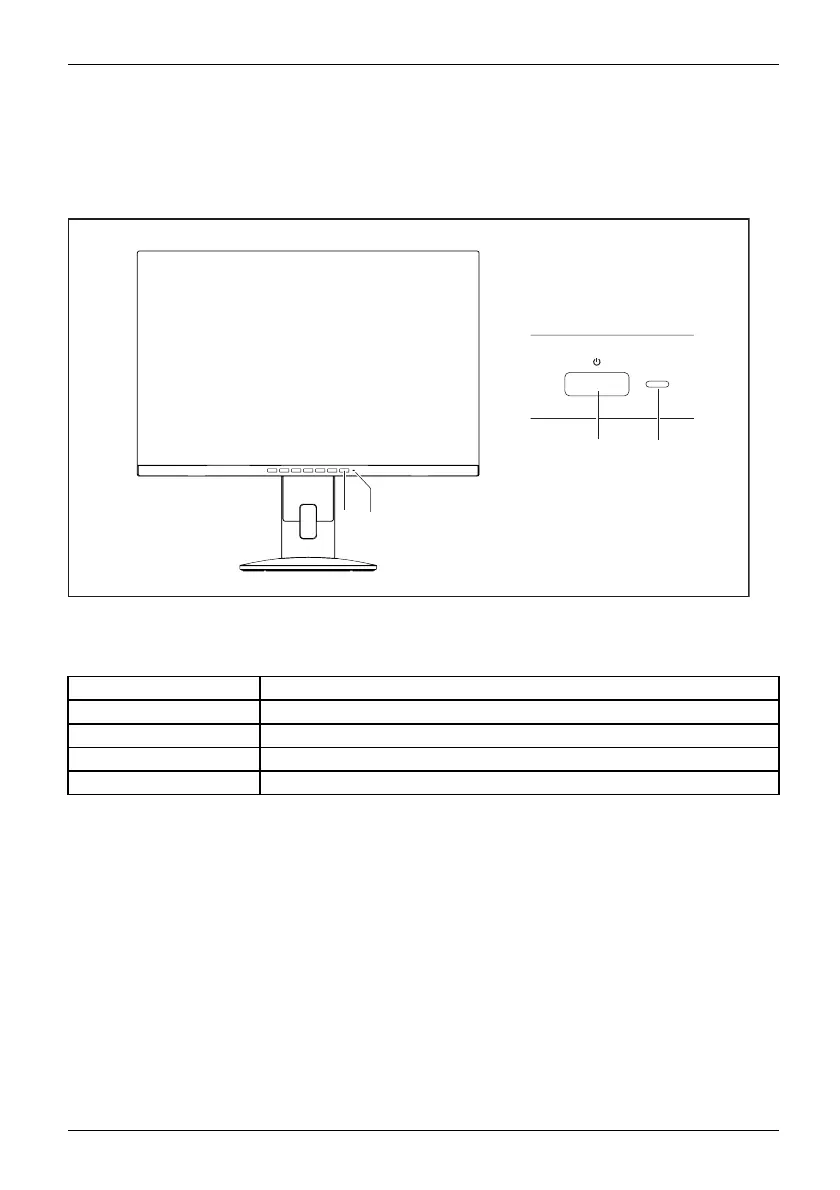
1 = On/o ff switch 2 = Power indicator
The c
olour of the power indicator changes as follows:
Power indicato r Status
blue
Monitor and computer are switched on (normal mode).
green
Mon
itor and computer are sw itched on (ECO mode).
orange
Mo
nitor is not receiving a video signal or is in power saving mode.
d
oes not light up
Monitor is switched off.
► Switch the device on again with the ON/OFF switch (1).
Fujitsu 19











 To Next Page