CONTENTS
Introduction
1 NAMES AND FUNCTIONS OF PARTS
2 BASIC SCANNER OPERATION
3 SCANNING VARIOUS TYPES OF DOCUMENTS
4 DAILY CARE
4.1 Cleaning materials and locations requiring cleaning
4.2 Cleaning the ADF
4.3 Cleaning the Flatbed
5 REPLACING CONSUMABLES
6 TROUBLESHOOTING
7 ONLINE SETUP
8 DOCUMENT SPECIFICATION OF ADF
9 OPTIONS
10 SCANNER SPECIFICATIONS
Appendix
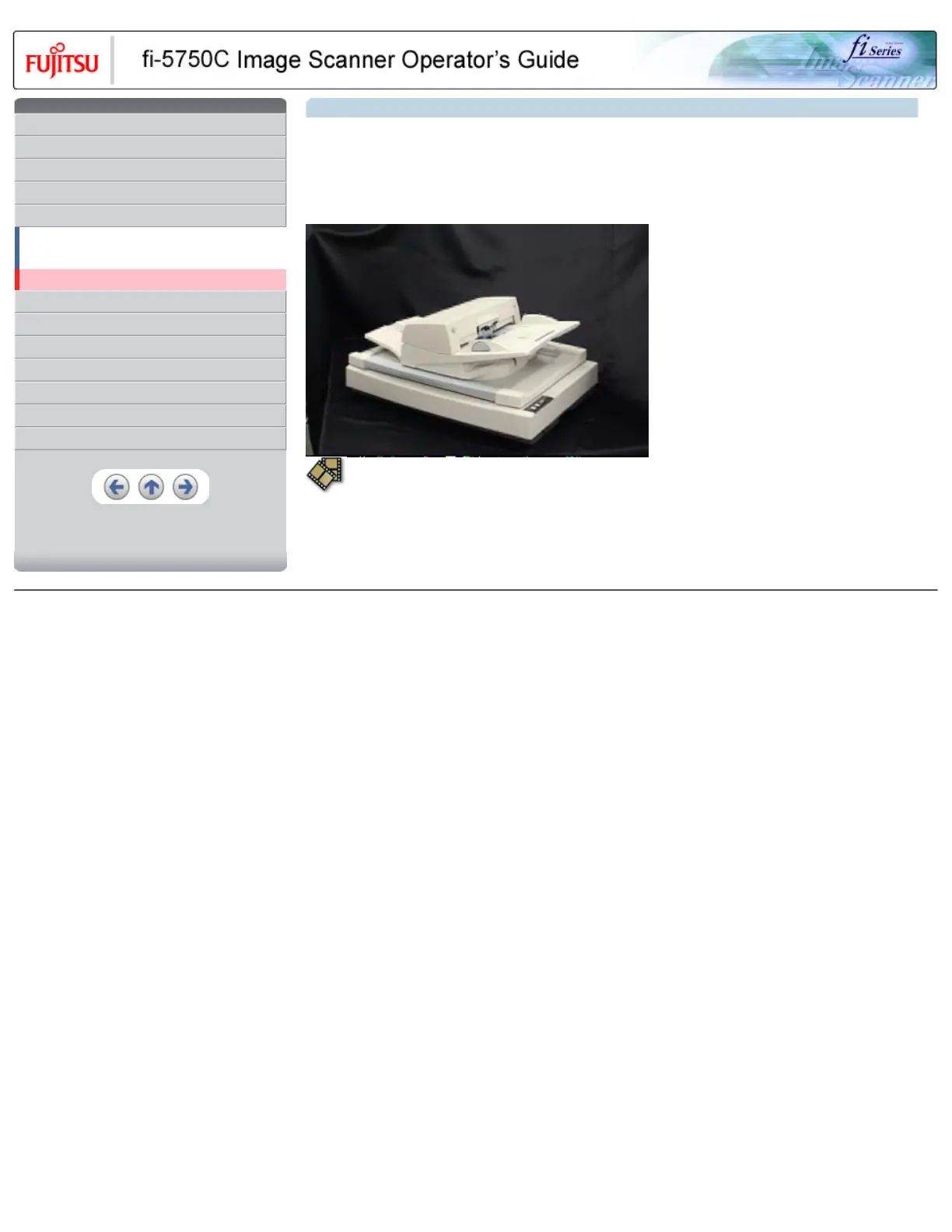
4.3 Cleaning the Flatbed
1. Open the Document cover holding the handle.
2. Using a cloth moisten with Cleaner F1, lightly wipe off dirt on th glass part and the Document holding pad.
3. Let the Document bed dry about a few minutes.
4. Close the Document cover.
HINT
-Instead of Cleaner F1, glass cleaners can be used for cleaning the Document bed (except for the ones not appropriate for cleaning plastic
parts).
-Do not use organic solvents such as paint thinner.
All Rights Reserved, Copyright (C) PFU LIMITED 2003










 To Next Page