CONTENTS
Introduction
1 NAMES AND FUNCTIONS OF PARTS
2 BASIC SCANNER OPERATION
2.1 Turning the scanner ON/OFF
2.2 Setting the ADF
2.3 Loading documents onto the ADF
2.4 Scanning document using the Flatbed
2.5 Scanning documents
2.6 How to use the Scanner Driver
3 SCANNING VARIOUS TYPES OF DOCUMENTS
4 DAILY CARE
5 REPLACING CONSUMABLES
6 TROUBLESHOOTING
7 ONLINE SETUP
8 DOCUMENT SPECIFICATION OF ADF
9 OPTIONS
10 SCANNER SPECIFICATIONS
Appendix
2.1 Turning the scanner ON/OFF
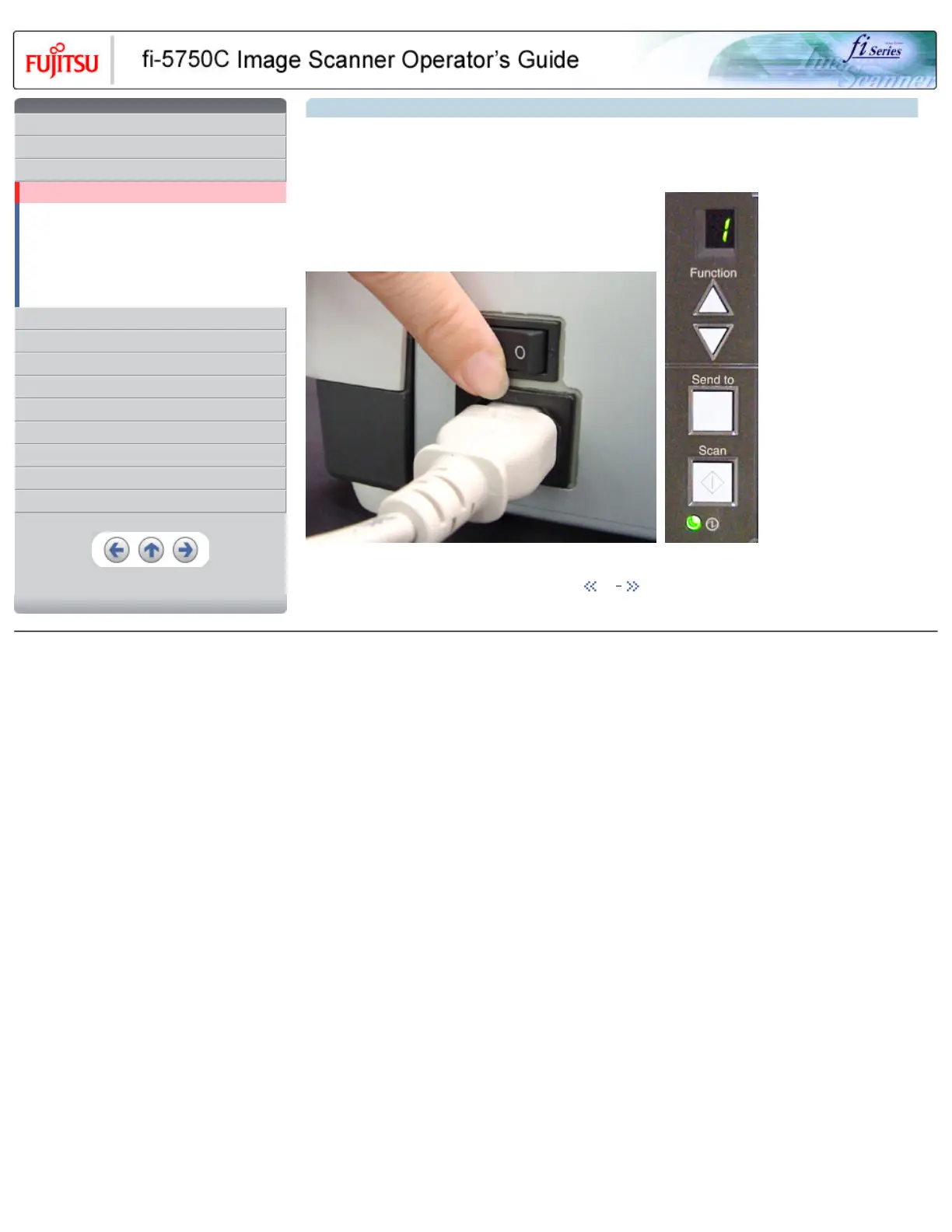
When "|" of the power switch is pressed, the scanner is turned ON, and the green LED on the operator panel lights. During the initialization,
the indication of the Function No. display changes as follows: "8" > "P" > "0" > "1"
The indication "1" means that the operator panel is in the ready status. When turning off the scanner, press the "0" side of the power switch.
The photograph shows an example of "Turning ON".
1 | 2
All Rights Reserved, Copyright (C) PFU LIMITED 2003










 To Next Page